01Ready
Upload Selfie
Upload Any Photo
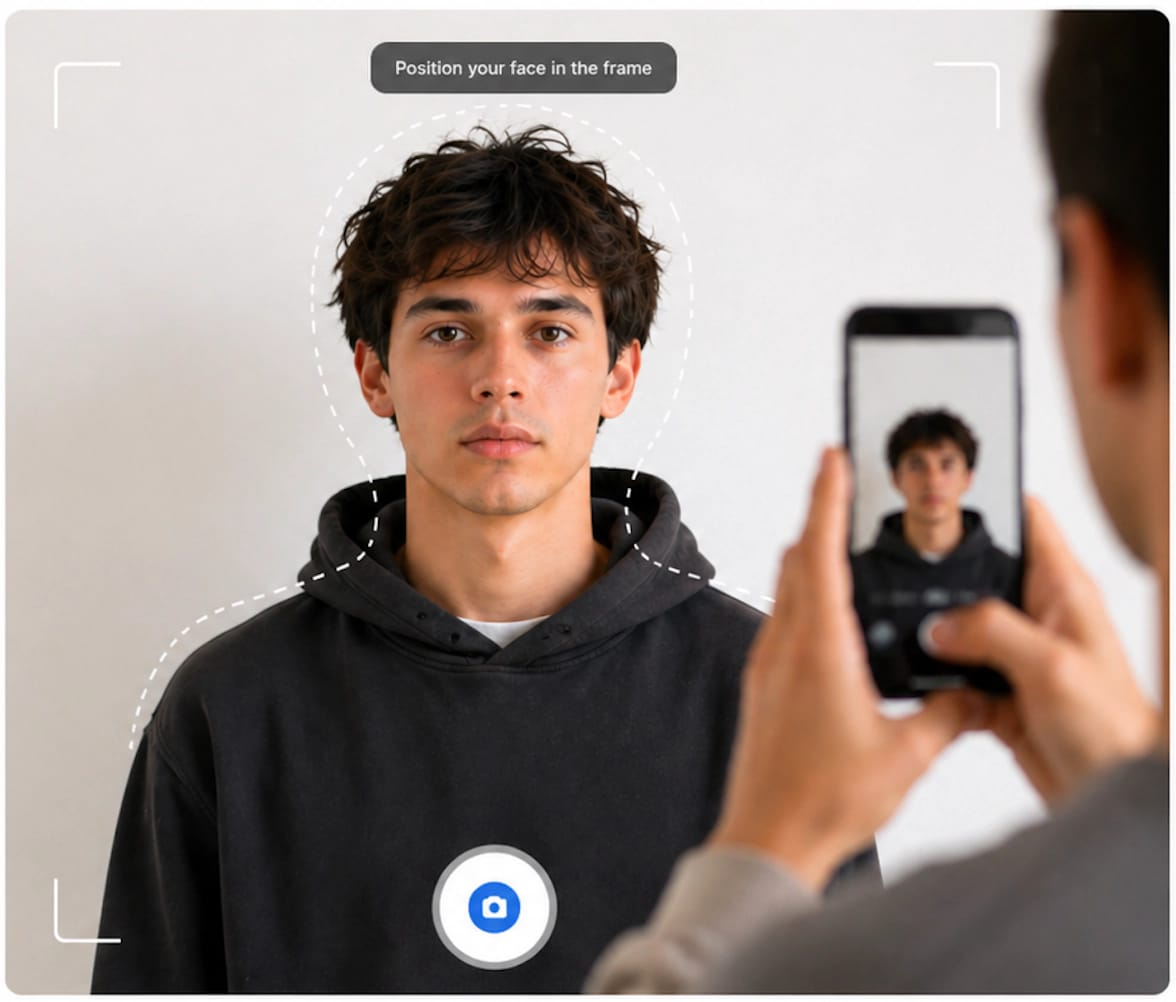
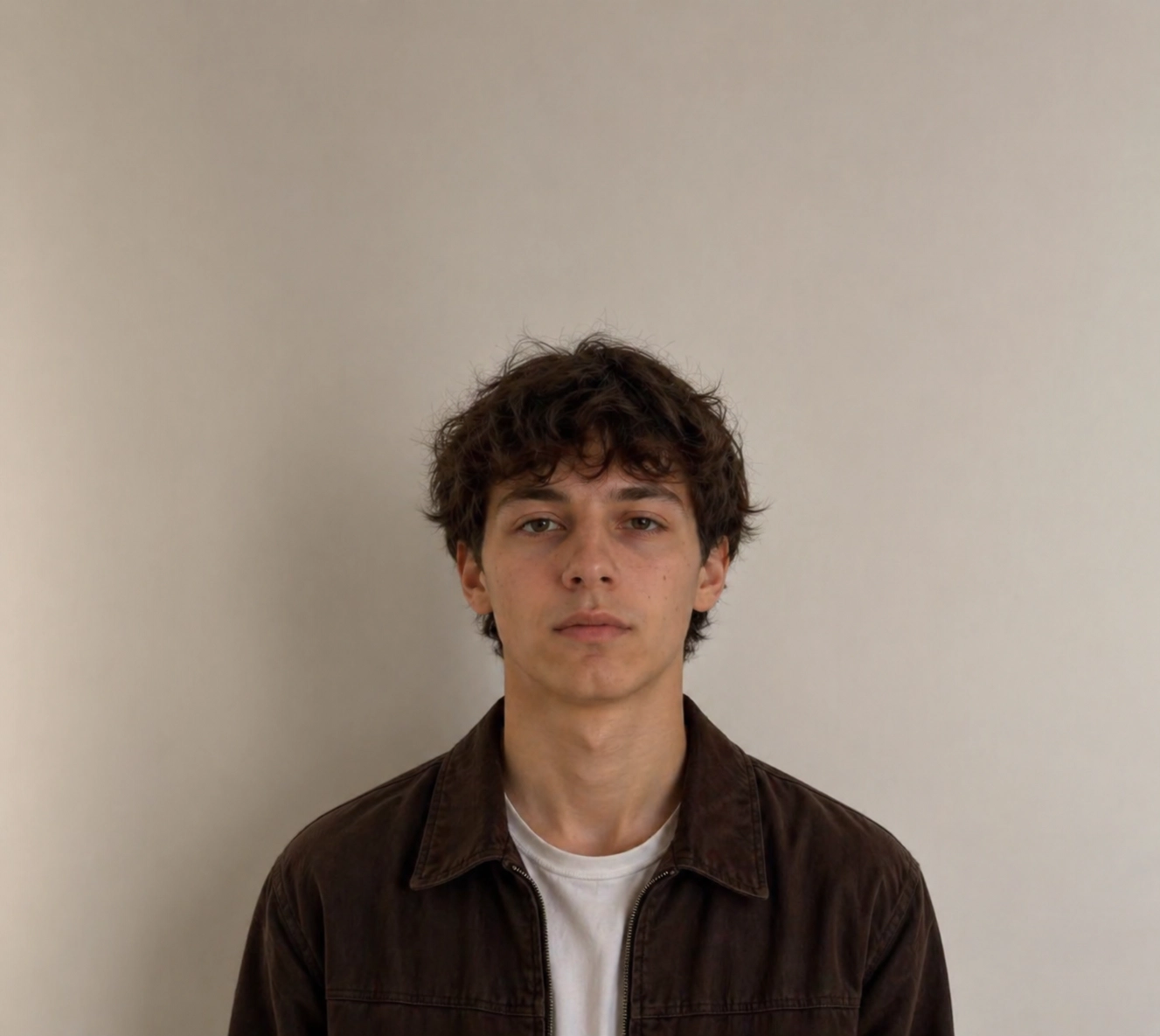
Use your phone or webcam. Any standard headshot works as a starting point.
Create passport and visa photos checked against published ICAO and country-specific requirements for over 190 countries. Automatic background adjustment, biometric framing, and print-ready downloads.
Checks based on published country-specific specifications
Processed · White background · Biometric crop · Print-ready
These are the 4 most common reasons embassies and government agencies reject submitted visa and passport photos — and exactly how VisaReadyNow helps prevent each one.
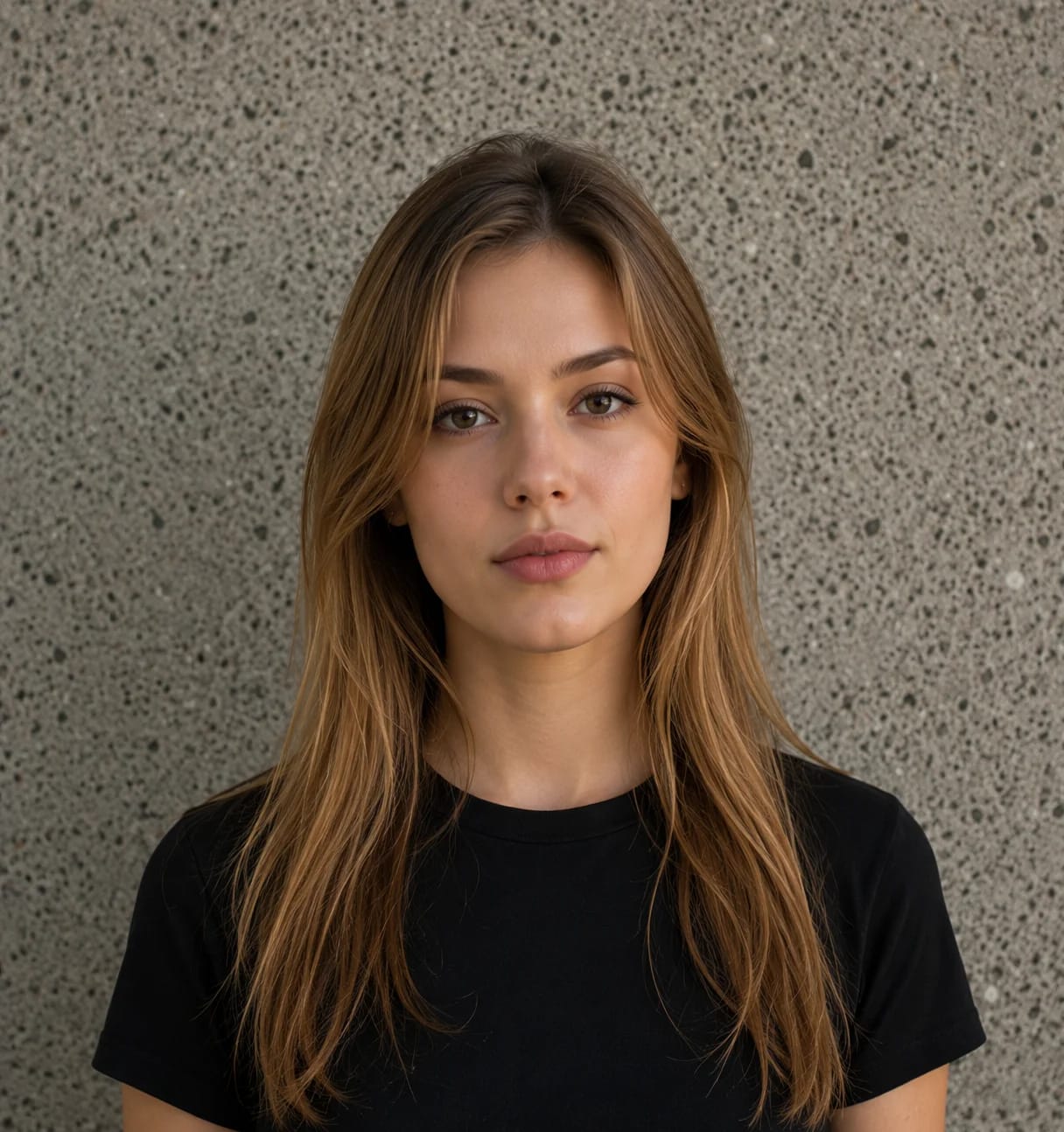
Governments require pure white (#FFFFFF) or light gray backgrounds with no patterns, textures, or off-white hues.
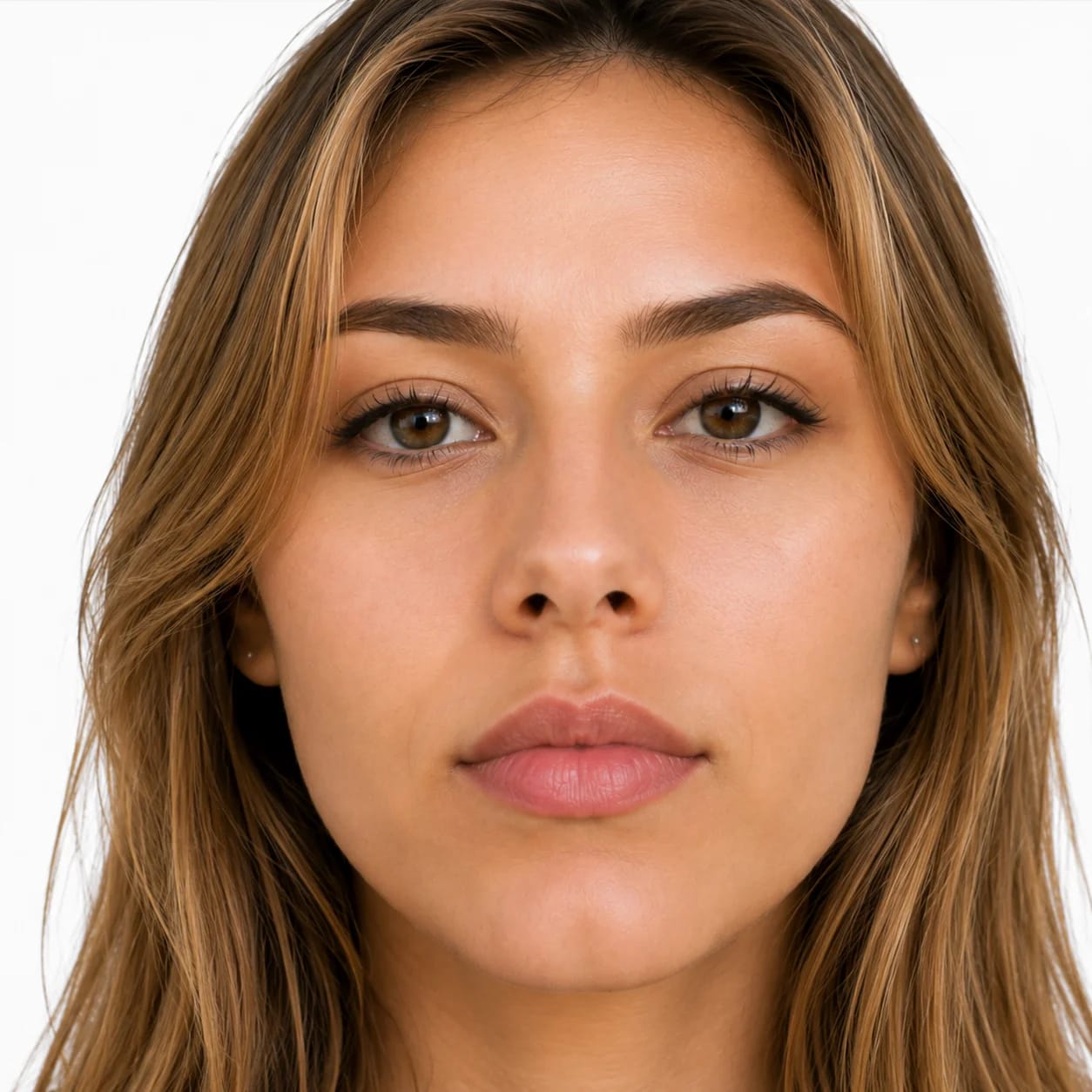
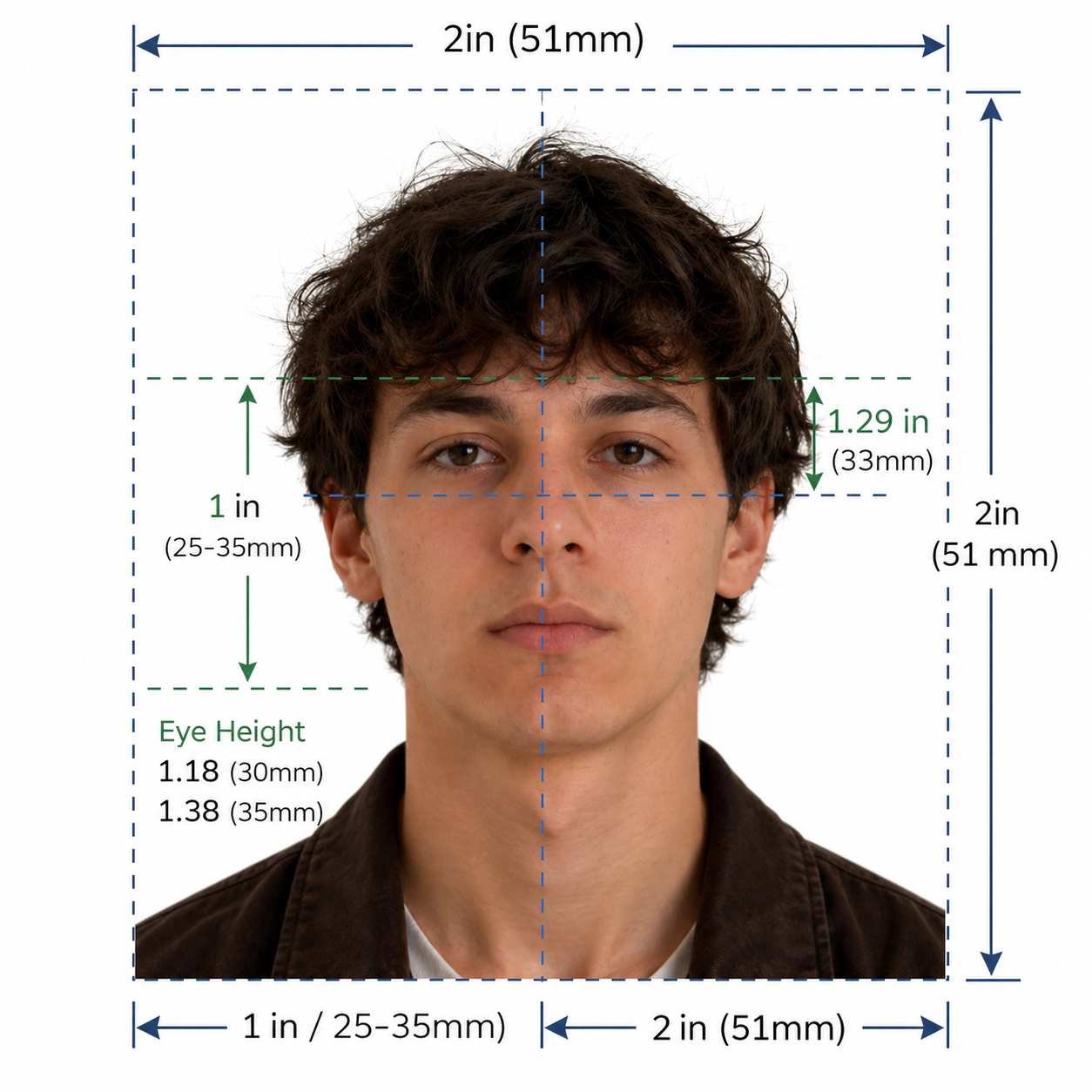
The face must occupy published height proportions (typically 50–69%). Oversized or undersized framing leads to rejection.
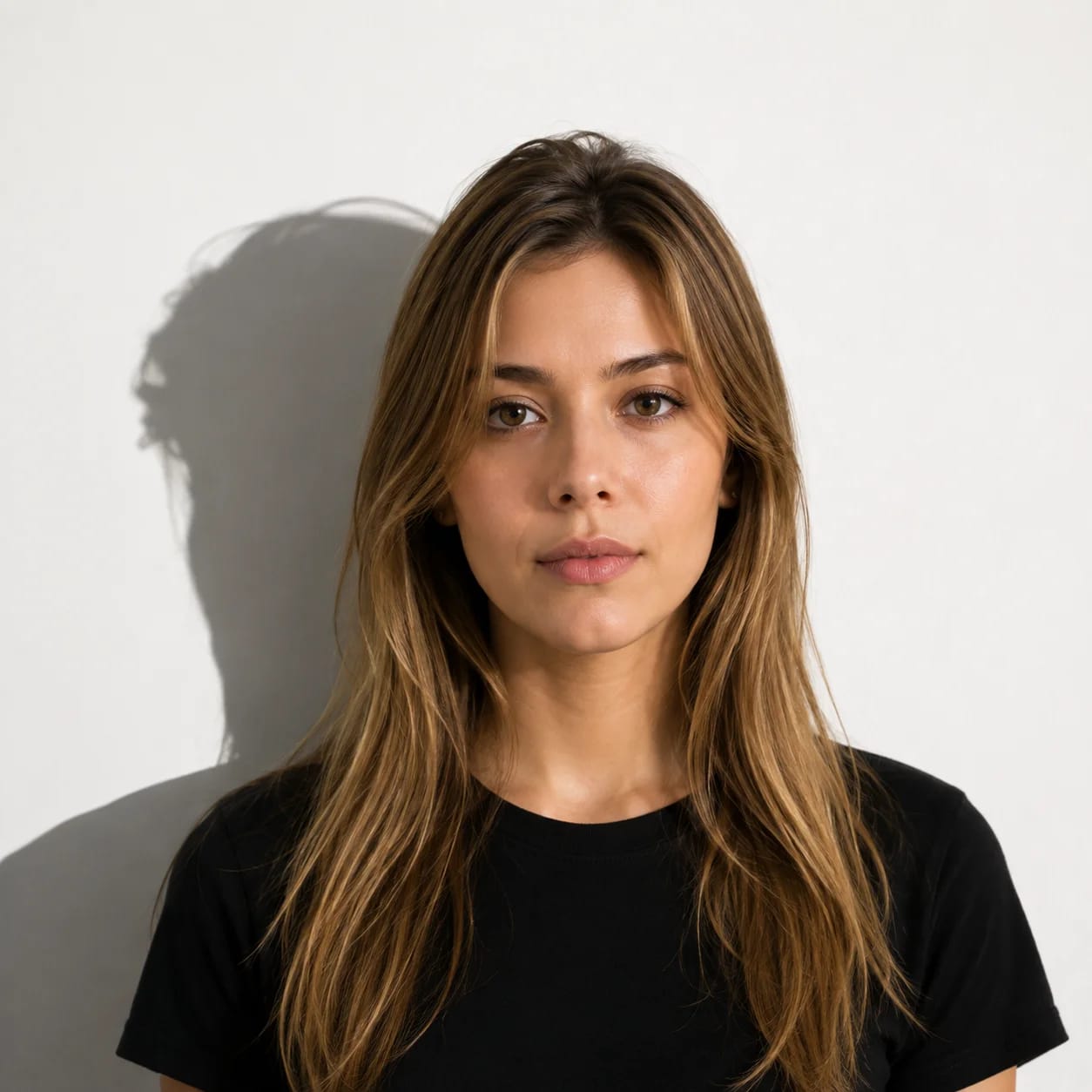
Shadows across the face or behind the head on the background are strictly prohibited under ICAO guidelines.
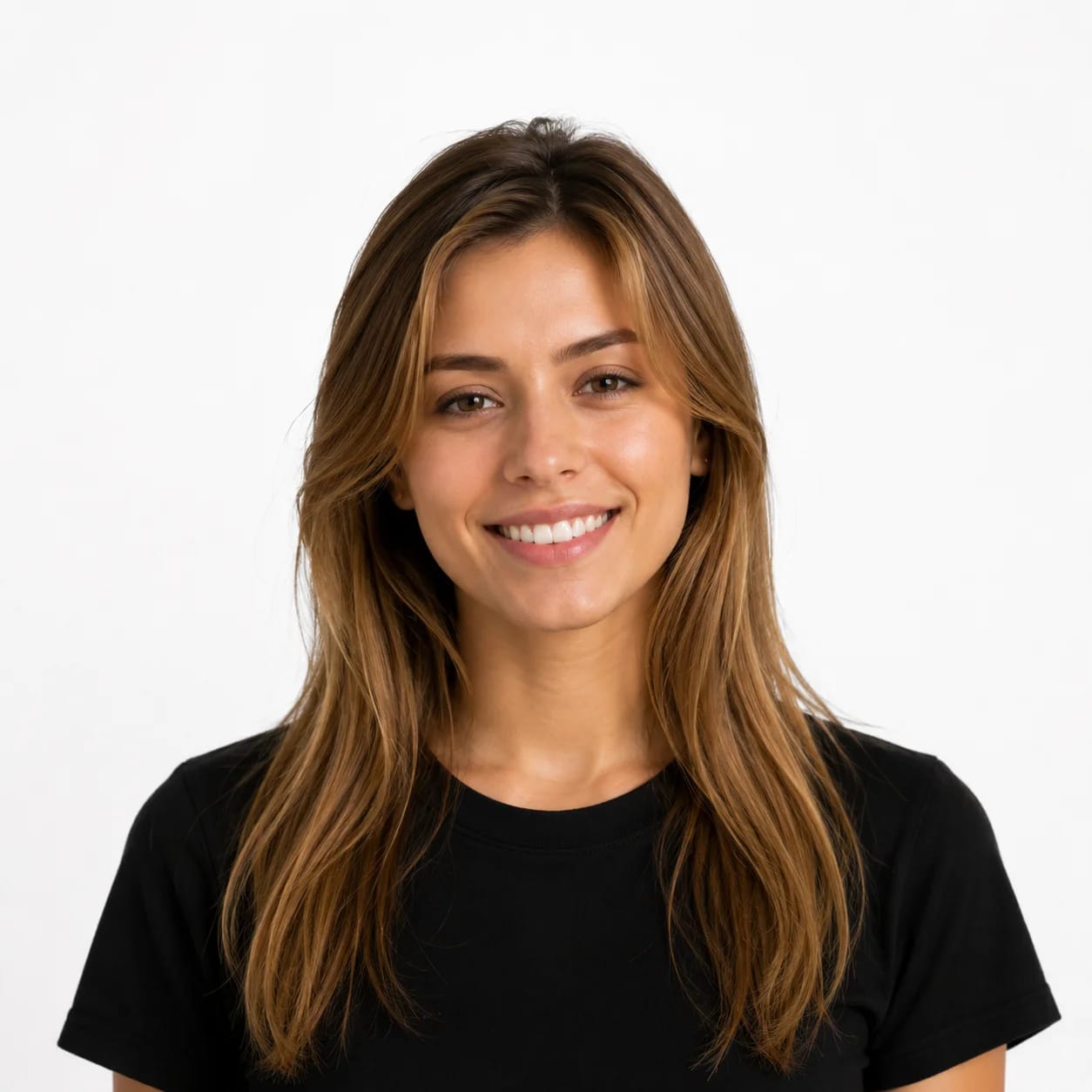
A neutral facial expression with closed mouth is mandatory. Smiling violates official facial standards.
Convert your selfie into an official government-compliant biometric photo in under 30 seconds.
Use your phone or webcam. Any standard headshot works as a starting point.
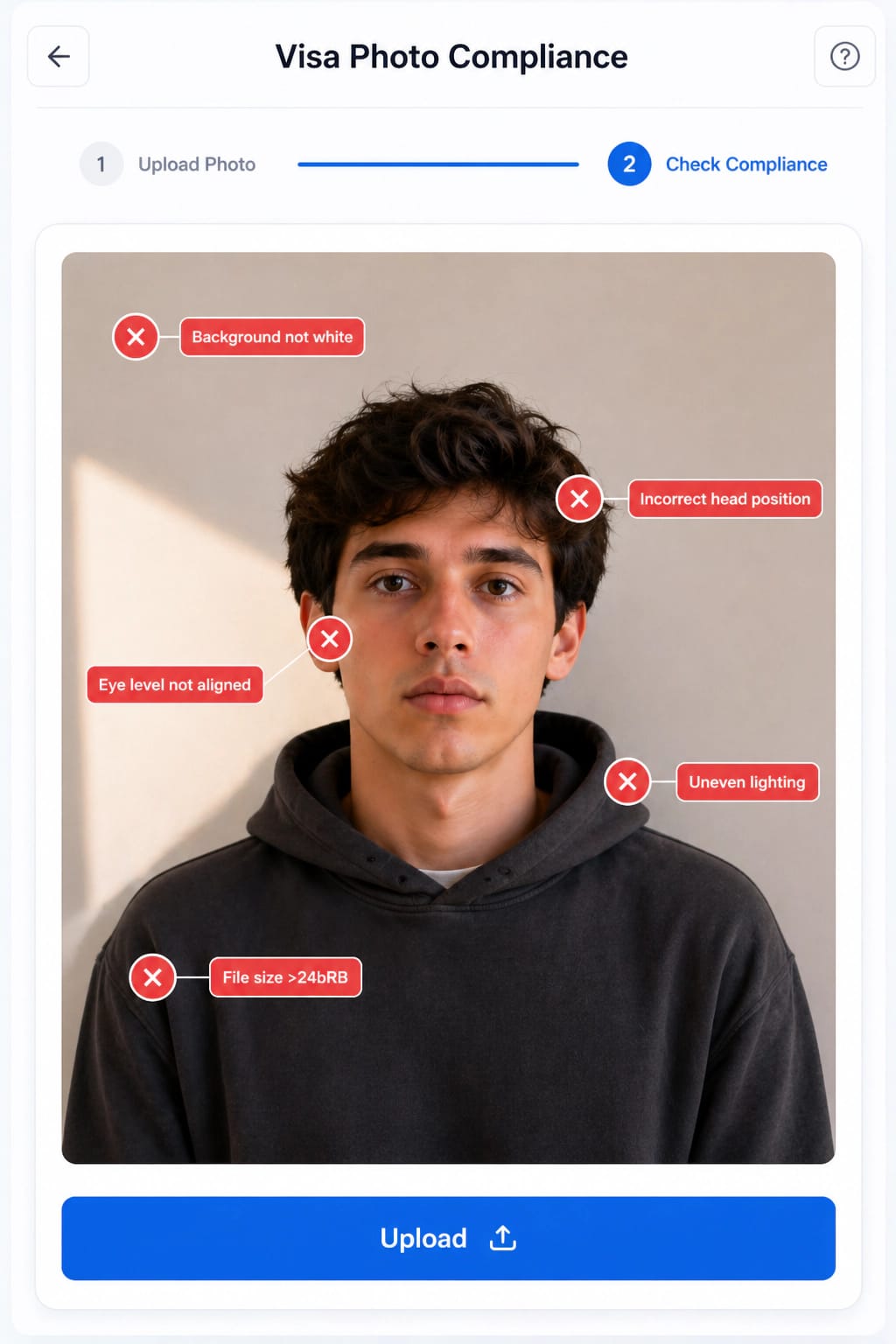
AI locates eyes, nose, and mouth to ensure facial symmetry and expression compliance.
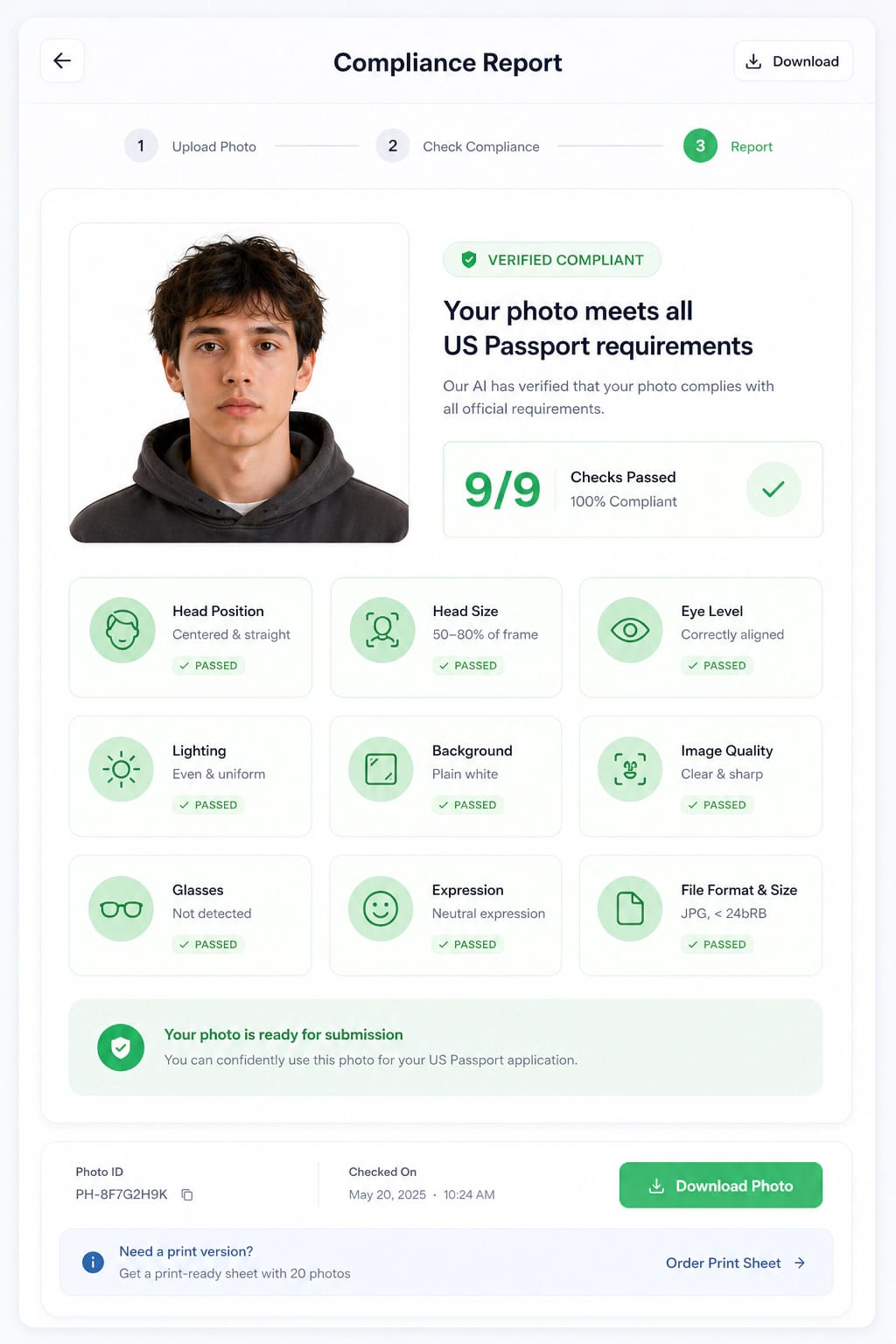
Calculates exact crown-to-chin distance to satisfy official 50-80% height guidelines.
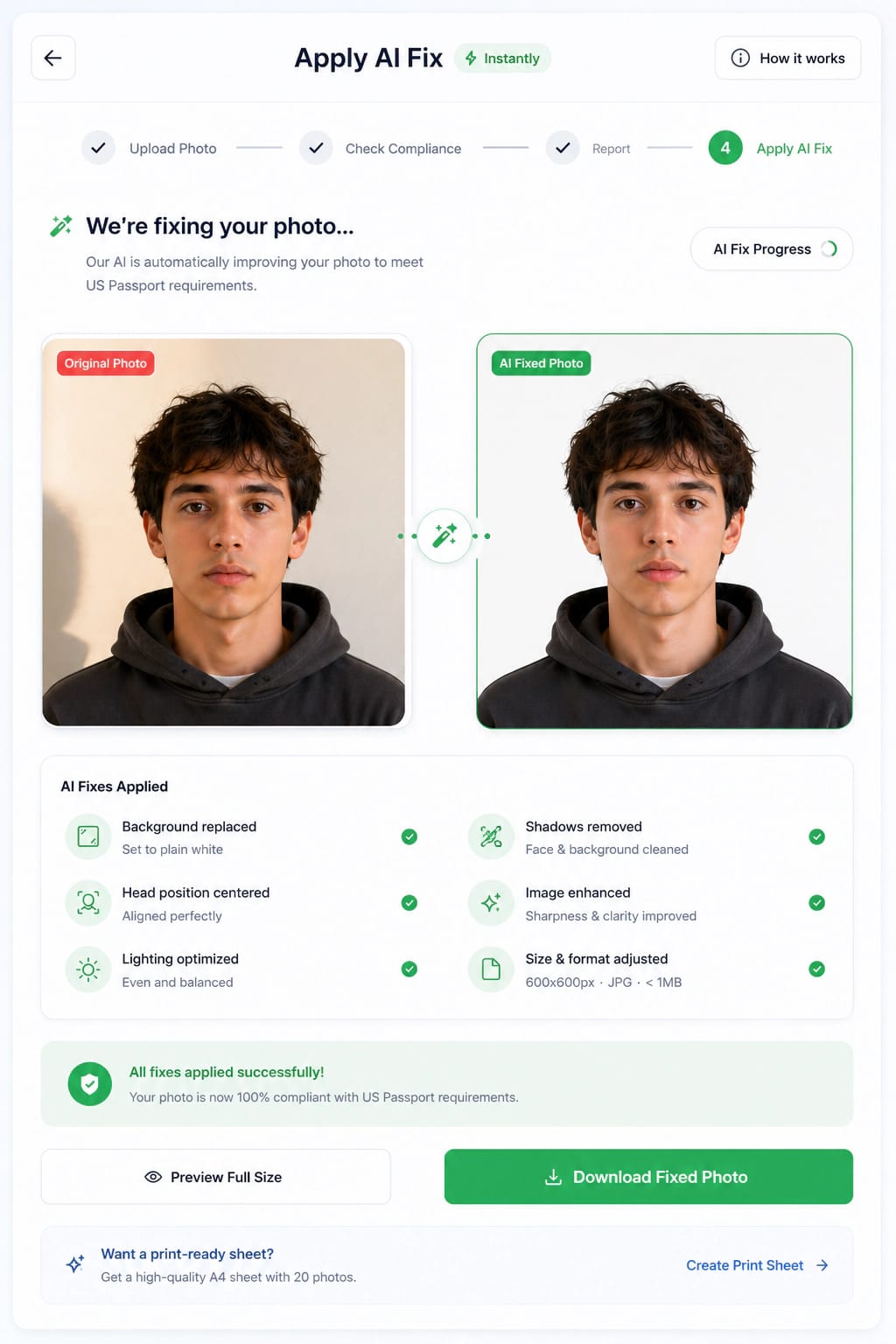
Replaces background with government-mandated pure white (#FFFFFF) or light grey.
Verification check against 22+ strict ICAO and embassy submission specifications.
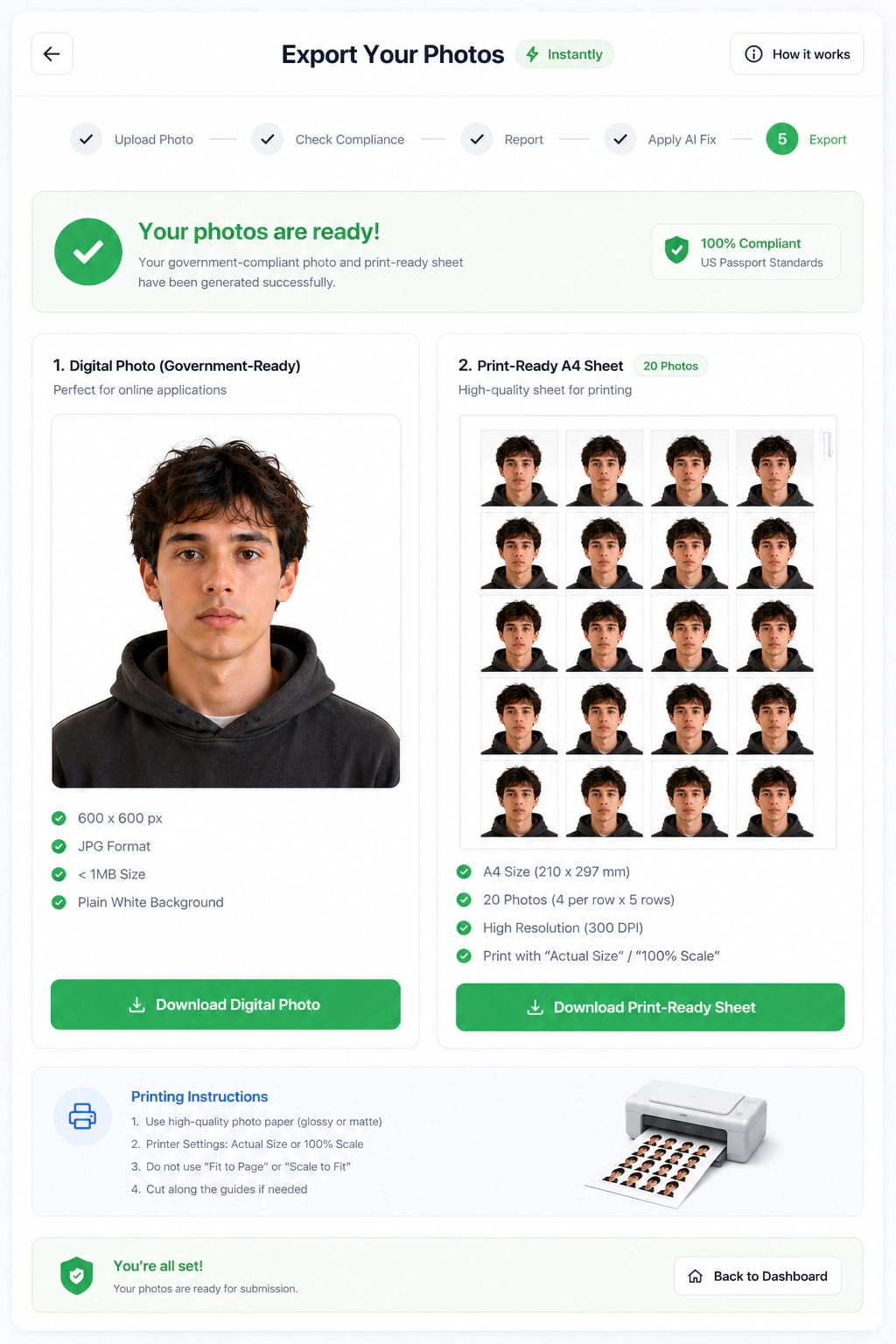
Generates instant digital JPEG file and 4x6 print-ready sheet.
Our engine validates your photo against published government rules. Final acceptance is determined by the relevant government authority.
Watch how our AI detects biometric landmarks, replaces the background with compliant white, and exports a print-ready 300 DPI photo.
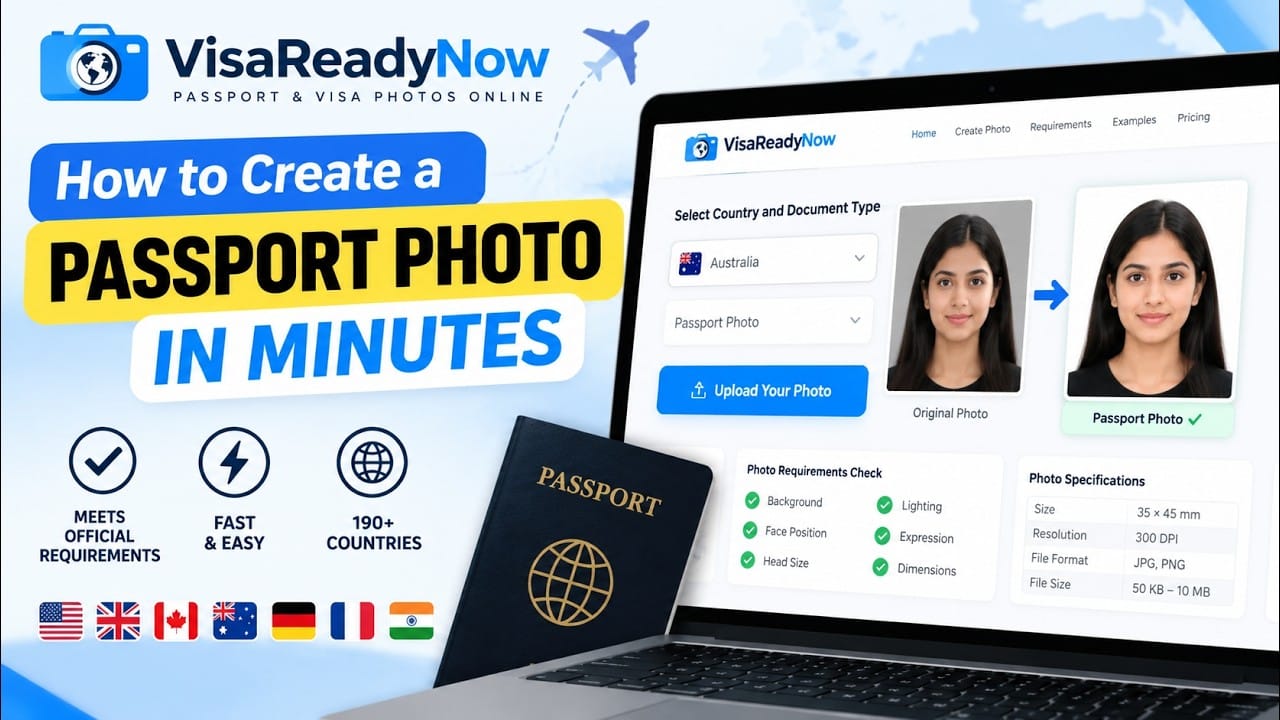
We only correct issues that violate official requirements so your photo is accepted the first time.
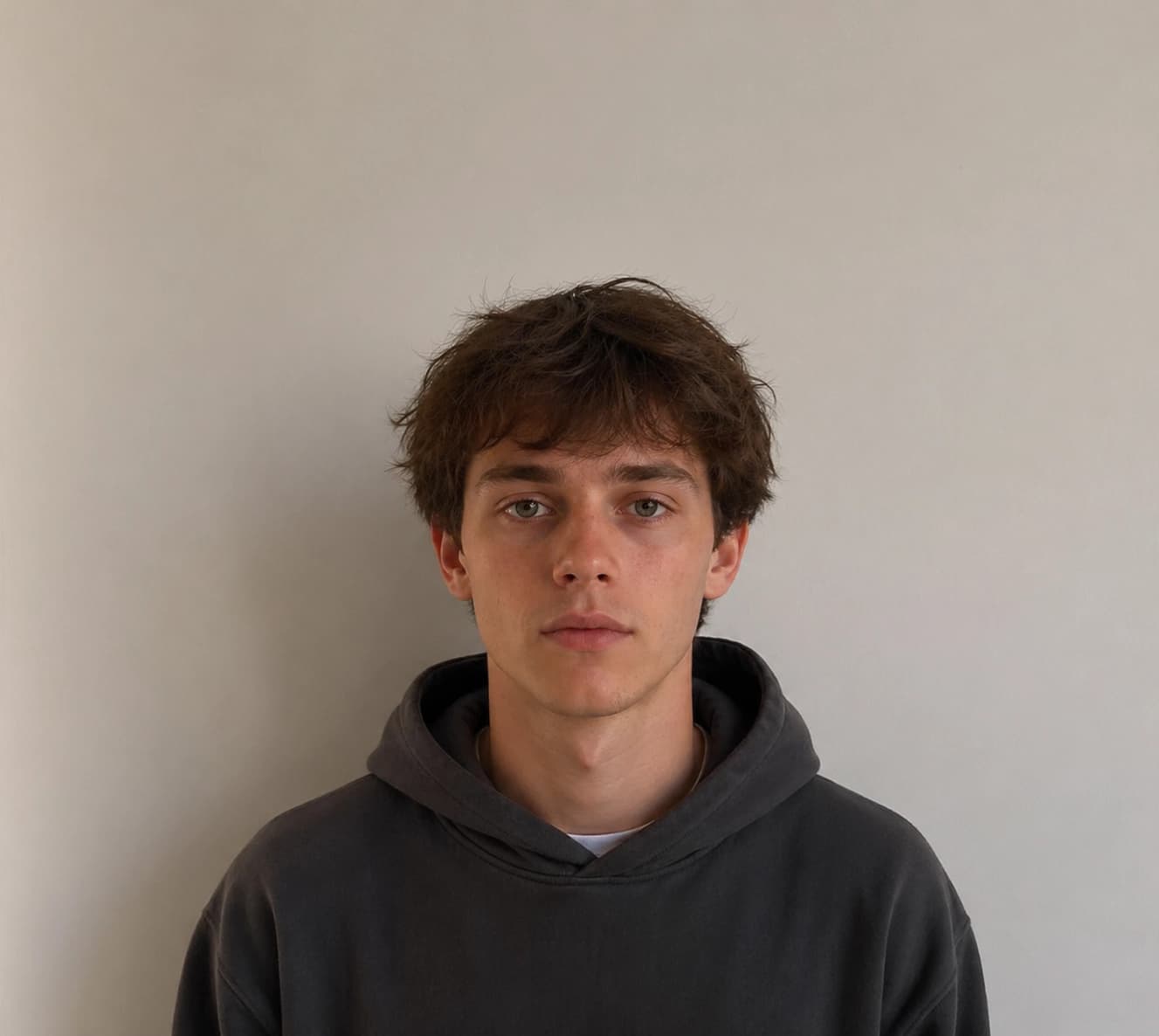
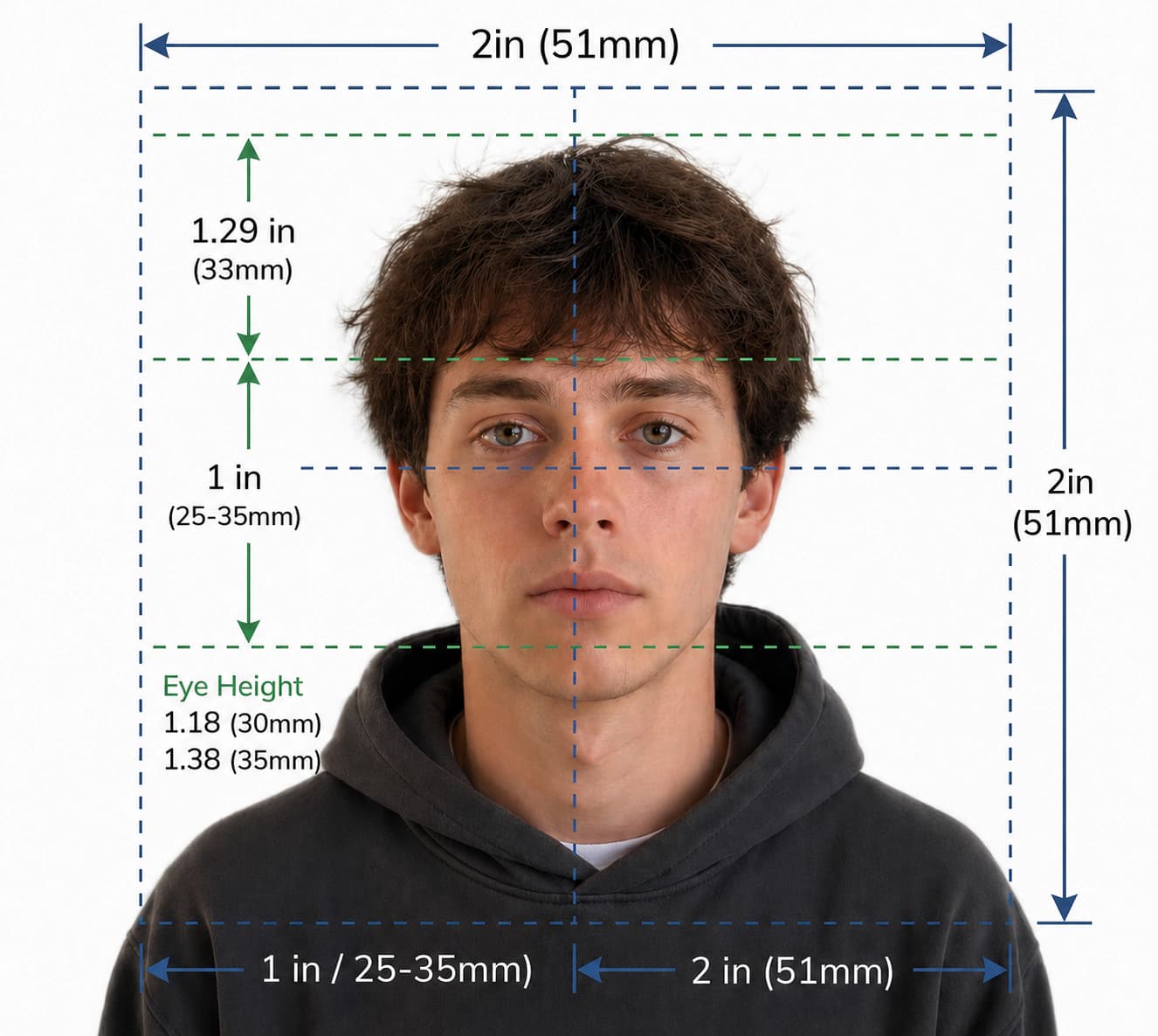
Replaces background with official white (#FFFFFF) or light gray.
Automatically adjusts head size to 50–80% of the frame height.
Validates size, DPI, file format and all country requirements.
Designed to meet official standards for embassy acceptance.
Direct online AI photo makers for high-volume destination countries. Crop, resize, remove background & verify compliance instantly.
Upload a selfie and get an official US visa photo — 2 × 2 inches (51 × 51 mm) with auto white background.
Create 2 × 2 inch US passport photos online with 600×600 px digital upload compliance and automatic background removal.
Create UK passport size photos online with 35×45mm dimensions, white background, and 100% biometric compliance.
Create passport & visa photos that meet Canadian IRCC 35×45mm photo requirements and official biometric standards.
Official 50×70 mm biometric photo generator for adult and child Canadian passport applications.
Create 35×45mm German visa photos complying with official biometric head height (32–36mm) rules.
Generate official 35×45mm France & Schengen visa photos online with auto white background removal.
Create 35×45mm Australian visa photos with 31–36mm face height for ImmiAccount online applications.
Generate official 35×45mm biometric passport photos matching Australian Passport Office (APO) specs.
Create 33×48mm China visa photos with 58–69% face height & COVA portal JPEG upload formatting.
Create 35×45mm Bahrain visa photos online with automatic 31–36mm face height alignment and crop.
Generate visa photos that comply with European Schengen Area requirements for all 29 participating states.
Create a government-approved passport photo online in under 2 minutes — free for 190+ countries.
Create passport size photos online. Choose your country, upload a photo, and download instantly.
Use our online app on any device. No download needed. Works on iPhone, Android & desktop for 190+ countries.
Fix background color, crop to exact biometric dimensions, and adjust lighting automatically.
Verify head size, eye position, background, lighting, and overall compliance before downloading.
Generate 4×6" (10×15 cm) multi-photo printable sheets for Walgreens, CVS, or home printing for pennies.
Step-by-step instructions to print 2–4 official 2×2" US passport photos at Walgreens or CVS for only $0.38.
Official 600×600 px US visa photo size specs, 240 KB limit, shadow removal, and instant CEAC upload checker.
Verify 600×600 px Diversity Visa photo specs, 240 KB size limit, and get ready for DV-2027 registration.
Generate & check 35×45mm British passport photos against official HMPO specs for online GOV.UK renewal.
Official 600×600 px digital upload rules, 2×2" Form DS-82 print specs, and instant State Dept compliance check.
Official 50×70 mm dimensions, 31–36 mm head height, and 240 KB min file size check for IRCC PR Confirmation Portal.
Official 600×600 px myUSCIS digital upload rules, 2×2" Form I-485 print template, and RFE prevention check.
Official 51×51 mm (2×2") & 35×45 mm specs, 70%–80% face coverage, and 10–200 KB compression for PSK & Tatkaal.
Master photo specifications for 150+ destination countries processed by VFS Global VAC counters worldwide.
All tools follow ICAO 9303 standards and official government photo specs.
Generate photos that match official passport, visa, ID card, and residence permit requirements for countries worldwide.
Passport & Visa
Passport
Passport & Visa
Passport & Visa
Passport
Passport & Visa
Passport & Visa
Passport
Passport & Visa
Passport
Residence Visa
Visa
Passport & ID
Passport & Visa
Passport & Visa
Countries & Territories
Your photo is automatically verified against ICAO standards and country-specific requirements before you download.
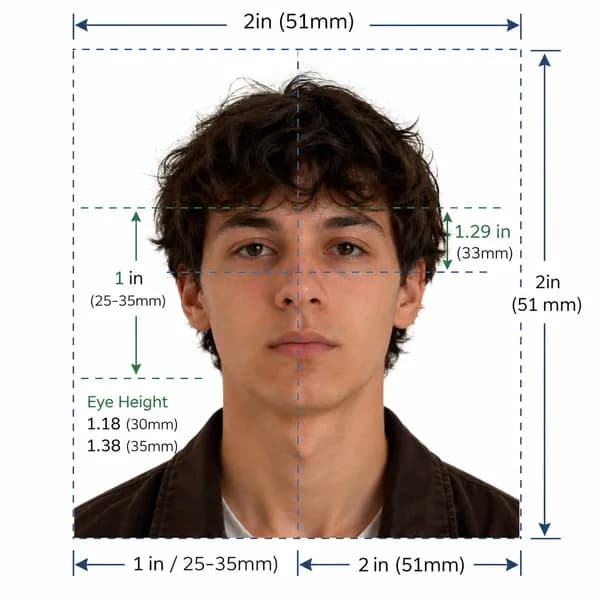
We follow ICAO 9303 standards and country-specific photo requirements.
All checks are based on official government and embassy specifications.
We monitor and update requirements to reflect the latest changes.
Detailed, official photo specifications, sizes, background rules, and digital upload guidance for passports, visas, and ID documents.
Australia visa photo requirements for 2026
US visa photo requirements (2 × 2 in)
UK passport photo requirements
Canada passport photo requirements
Germany visa photo requirements
Our country guides are reviewed regularly to match the latest official government requirements.
See genuine reviews submitted on Trustpilot by applicants who prepared their passport and visa photos with VisaReadyNow.
One of the platform I have come around in a while. Helped me a lot during my journey. You should try it once. Came back just to give review. Thanks a bunch to the developer. All the best for your future. ❤️
I needed a photo for my Indian passport and wasn’t sure whether my existing photo met all the required specifications. I uploaded it to VisaReadyNow, and it automatically helped adjust the photo according to the requirements. The process was simple and easy to follow, and I didn’t have to worry about figuring out the specifications myself.
Photo quality are good. I used it for DV lottery, very useful tool.
Choose a plan that fits your need. All plans include AI compliance verification, automatic background fix, and government-standard output.
AI Biometric Auto-Fix & Check
Accepted for Passport & Visa Applications
Human Expert Review & Priority Processing
Everything in Standard + Expert Verification
Included in every plan
Save time, money, and avoid the stress of an in-person photo shoot.
Every photo is automatically checked against official country requirements to help ensure acceptance for passports and visas.
Passport and visa photos are sensitive for adults, children, and babies. This section gives users a clear reason to trust the upload flow.
Find answers to the most common questions about passport and visa photos.
All photos are checked against official requirements to help ensure acceptance. Your photos are secure and never shared with third parties.
These focused guides cover the searches that happen right before a user uploads a photo: DS-160, DV Lottery, Schengen, IRCC, OCI, and UK Passport Online.
Browse all guidesStep-by-step walkthrough for uploading your digital photo to the US CEAC DS-160 portal. Prepare your square JPEG, resolve upload prompts, and ensure compliance with US State Department guidelines.
Create a Diversity Visa lottery photo with the correct 600 x 600 px square format, JPEG compression, face placement, and background rules.
Schengen visa photo rules: common 35x45mm biometric format, ICAO standards, print quality & consulate-specific variations.
Canada visa & passport photo rules: printed dimensions, digital upload ranges, file size limits & photo specs.
India e-Visa & passport photo rules: 2x2 in JPEG uploads, file size limits, background rules & OCI specs.
Prepare a UK digital passport photo with plain background, balanced light, neutral expression, no filters, and practical checks before online submission.
Complete guide for Indian passport renewal in USA: 2x2 inch photo specs, VFS Global upload rules, file number lookup, CGI portal guidelines, and photo vs signature limits.
Official 2026 guidelines for OCI application photos and signature uploads. Covers 2x2 inch physical photos, 1:1 ratio 20-500 KB digital uploads, and 3:1 signature files.
These trusted outbound references support the country database and give applicants a direct path to the final authority before they submit a photo.
Match by countryDS-160, DV Lottery, embassy visa photos
2 x 2 inch passport photos and examples
Digital photo quality, background, pixels, and file limits
Temporary resident visa photo size and head-size rules
Permanent residence and PR card digital photo specifications
Australian passport photo sizing, quality, and examples
Official Schengen documents list and ICAO photo reference
ISO/IEC visa photo quality sheet for France applications
India e-Visa upload photo and passport image guidance
Reduce rejection risk. Upload your photo and get a validated, requirement-checked result in seconds.
We check your photo against published government requirements.
Your photos are encrypted and deleted automatically within 24 hours.
Get your ready-to-print photo in seconds.
For passport, visa, and ID applications.
Independent service. Our system checks your photo against 22+ compliance points including size, background, lighting, and head position.