Free Online Passport Photo Maker & Cropping Tool
Easily convert pictures to passport size, create passport photos with instant background removal, and verify that your digital photo strictly meets official government rules before you apply.
See How Your Photo Is Created
Select your country, upload a portrait or selfie, and our AI automatically sizes, crops, and verifies biometrics to meet official embassy standards.
Upload Photo
Snap a selfie or upload a portrait from your phone.
AI automatically detects your face, removes shadows, cleans background to White, and crops to 51 × 51 mm.
Automatic Checks
Face Detection & Centering
Finds your face and centers your eyes to official guidelines.
Background Clean & Color Fix
Removes shadows and sets a plain, solid white background.
Head Size Check (26 – 35 mm)
Checks head height and centers your eye line strictly per United States specs.
Digital Size & File Prep (600 × 600 px)
Exports a clear 300 DPI JPEG ready for upload or print.
Ready for Online Application
Upload straight to embassy & government forms with no crop errors.
Upload Photo
Snap a selfie or upload portrait from your phone
Auto Sizing & Bg
AI crops face and replaces backdrop in 10s
Biometric Check
Verified against 22+ ICAO & embassy rules
Download & Print
Digital JPEG + 4×6″ ready printable template
The All-in-One Online Passport Photo Maker Free
Our passport photo generator combines biometric facial detection, smart background cleanup, and automated dimension scaling into one fast, easy-to-use tool.
Smart Cropping Tool
Our automated cropping tool detects your chin and crown, centering your head so that it covers exactly 50% to 69% of the frame height according to consular standards.
AI Background Removal
Take your selfie against any wall. Our AI executes automatic background removal and replaces shadows with a pure white backdrop (RGB 250–255) to guarantee acceptance.
22+ Compliance Checks
Functioning as an official passport photo tool, our system screens for head tilt, eye reflection, closed eyes, smiling, shadows, and resolution issues before submission.
How to Make Online Passport Photo Free in 4 Steps
You do not need an expensive photography studio to get compliant passport photos. Follow this simple guide right from your smartphone or computer.
Snap a Photo
Stand 4–5 feet away from your phone camera in daylight. Face forward with a neutral expression, mouth closed, and glasses removed. (See our iPhone & Phone Photo Guide).
Upload to Tool
Upload your portrait to our free photo maker above. The AI instantly scans facial landmarks and crops to standard 2×2 inch or 35×45 mm dimensions.
AI Validation
The tool runs 22+ biometric checks, balances exposure, cleans background shadows, and verifies eye level position against official ICAO 9303 standards.
Download & Print
Save your high-res digital JPEG for online applications or generate a printable 4×6 template using our Print Template Generator to print for ~39¢.
Video Guide: How to Take a Passport Picture Online at Home
Watch this official demonstration to learn how composition, lighting, and posture ensure your passport photo gets approved on the first attempt.
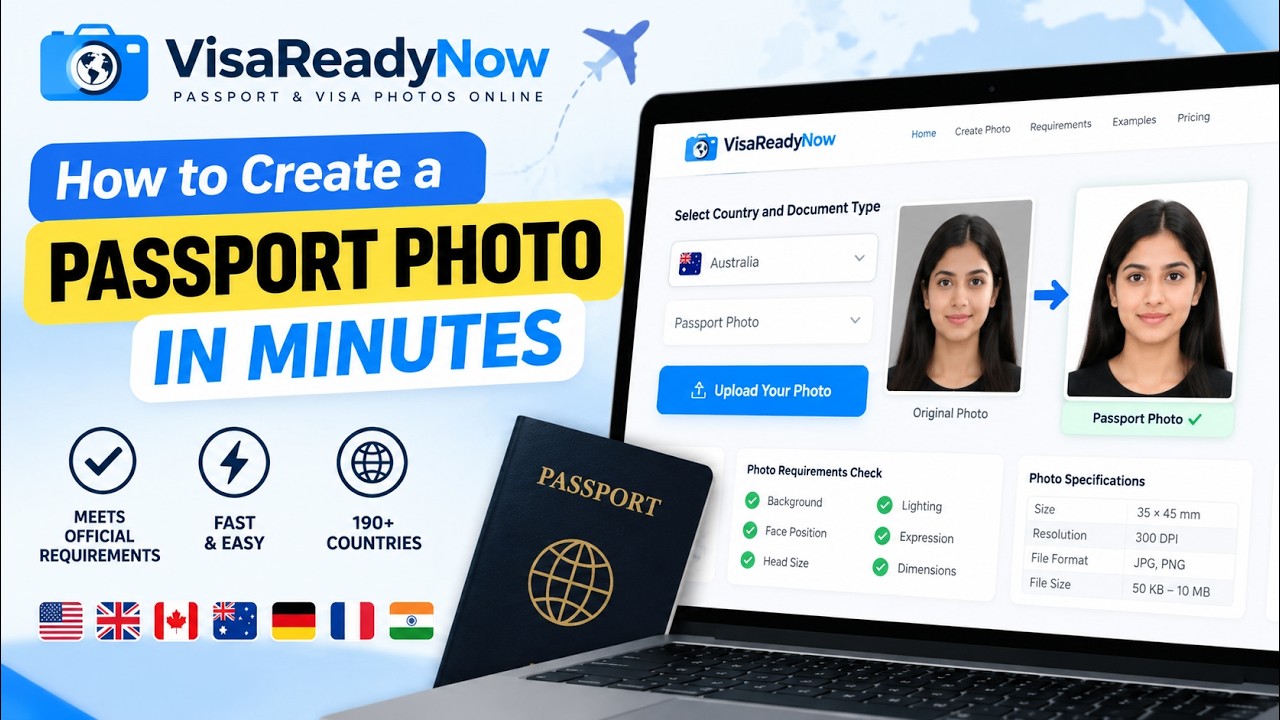
Key Rules from the Video:
- •Lighting: Use natural daylight from a front window to eliminate shadows under eyes and chin.
- •No Eyeglasses: Remove reading glasses and sunglasses. Medical waivers require a signed doctor note.
- •Neutral Expression: Look straight into the camera lens with mouth closed and eyes relaxed.
- •Distance: Stand 4 to 6 feet away so your phone lens doesn't warp or distort facial features.
Official US Passport Photo Requirements
Before submitting your passport application, make sure your picture satisfies these official requirements established by the US Department of State.
Physical Print Specifications
- Dimensions2 × 2 inches (51 × 51 mm)
- Head Size (Chin to Crown)1 to 1 3/8 inches (50–69%)
- Eye Level1 1/8 to 1 3/8 in from bottom
- Backdrop ColorPure white (RGB 250–255)
- Paper FinishGlossy or matte photo paper
Digital Photo Specifications
- Pixel Dimensions600 × 600 px up to 1200 × 1200 px
- Aspect Ratio1:1 square
- File FormatJPEG (.jpg) format
- File SizeUnder 240 KB
- Color SpacesRGB (24 bits per pixel)
Special Rules for a Baby Passport Photo
Photographing infants can be tricky, but consular authorities permit slight flexibility for baby photos. Open eyes are preferred, but infants under 1 year are not required to keep their eyes fully open. (Read our full Baby Passport Photo Guide).
Online Passport Picture Maker vs. Pharmacy Chains
Why pay $18+ at a retail counter when our online photo maker gives you convenience, unlimited retakes, and instant AI verification?
| Feature | VisaReadyNow Tool | Walgreens / CVS | US Post Office (USPS) |
|---|---|---|---|
| Cost for 2 Photos | Free Check / 39¢ Print | $17.99 | $15.00 |
| Retakes Allowed | Unlimited from home | 1 or 2 rushed takes | Single attempt in queue |
| AI Background Removal | Automatic pure white | Manual pull-down screen | Physical wall screen |
| Digital JPEG Download | Instant 300 DPI download | Extra $19.99 flash drive | Not offered |
| Time Required | Under 10 seconds | 20–45 mins travel & wait | Appointment required |
How to Order Prints for Under 40 Cents:
Our Print Template Generator creates a standard 4×6 inch grid holding multiple 2×2 inch pictures. When ordering at Walmart, CVS, or Walgreens, simply upload this grid as a regular 4×6 photo printrather than choosing their "passport photo service".
A standard 4×6 print costs around $0.15 at Walmart and $0.39 at Walgreens. Once printed, use scissors to cut along the guide lines for official, compliant passport pictures. Read our full Walgreens & CVS Photo Printing Guide.
Passport & Visa Photo Makers by Destination
Select your destination country to launch dedicated biometric makers with exact millimeter dimensions:
Frequently Asked Questions
Everything you need to know about our free online passport photo maker and cropping tool
Q:How does this free online passport photo maker work?
Our free online passport photo maker uses artificial intelligence to inspect your photo against 22+ biometric rules. It acts as an automated passport photo cropping tool to center your face to official proportions (50–69% head height), performs background removal to generate a pure white background, and lets you verify compliance before submitting.
Q:Can I create passport photo free without paying expensive pharmacy fees?
Yes. You can take a selfie at home, upload it to our free passport picture maker for an instant biometric compliance check, and convert picture to passport size. While retail pharmacies like CVS or Walgreens charge up to $17.99 for two small prints, using our online passport photo maker free enables you to create compliant passport photos and print a 4x6 template for just pennies.
Q:Is this us passport photo tool compliant with Department of State requirements?
Yes. Our us passport photo tool strictly enforces the official photo requirements outlined by the US Department of State and ICAO Document 9303. This includes exact 2x2 inch (51x51 mm) dimensions, 300 DPI resolution, chin-to-crown measurement between 1 and 1 3/8 inches, eye height between 1 1/8 and 1 3/8 inches from the bottom edge, and no eyeglasses.
Q:Can I use this passport photo generator for digital online passport renewal?
Yes. If you are renewing your US passport online via the State Department portal, our passport photo generator outputs a high quality digital photo formatted as a square JPEG between 600x600 pixels and 1200x1200 pixels, under 240 KB, meeting all digital upload specifications.
Q:How do I take a compliant baby passport photo at home?
Taking a baby passport photo is easy with our tool. Lay your infant on their back on a plain white sheet or place them in a car seat draped in white cloth. Ensure even daylight illuminates both sides of their face with no shadows. Snap the photo from directly above while both eyes are open. Our tool will crop out any surrounding edges, ensure the face is centered, and verify compliance.
Q:Where can I order prints of the 4x6 passport size photo generator template?
Once our passport size photo generator prepares your 4x6 inch printable template (which contains multiple 2x2 inch photos), you can save the file and order prints at local photo centers like Walgreens, CVS, or Walmart as a standard 4x6 print. Standard 4x6 prints cost around $0.15 to $0.40, saving you over 90% compared to paying the in-store passport photo counter fee.
Q:Does the tool support international visa photos and other countries?
Yes. In addition to US passport standards, our passport size photo maker online free supports visa photos and international passports for over 100 countries, including Canadian 50x70 mm photos, Schengen 35x45 mm visa pictures, Chinese 33x48 mm biometric photos, and Indian passport requirements.
Q:What causes most passport applications to be rejected for photo issues?
Over 25% of passport applications encounter delays due to non-compliant photos. The top rejection triggers are improper background color (off-white or textured backdrops), wearing eyeglasses, incorrect head size cropping (face too large or too small), shadows behind the head or under the chin, and non-neutral facial expressions. Our online tool screens for all of these issues instantly.
Create Your Compliant Passport Photo Online Now
Upload any selfie. Our AI automatically crops the image to exact millimeter dimensions, removes background clutter, and validates biometric proportions in under 10 seconds.