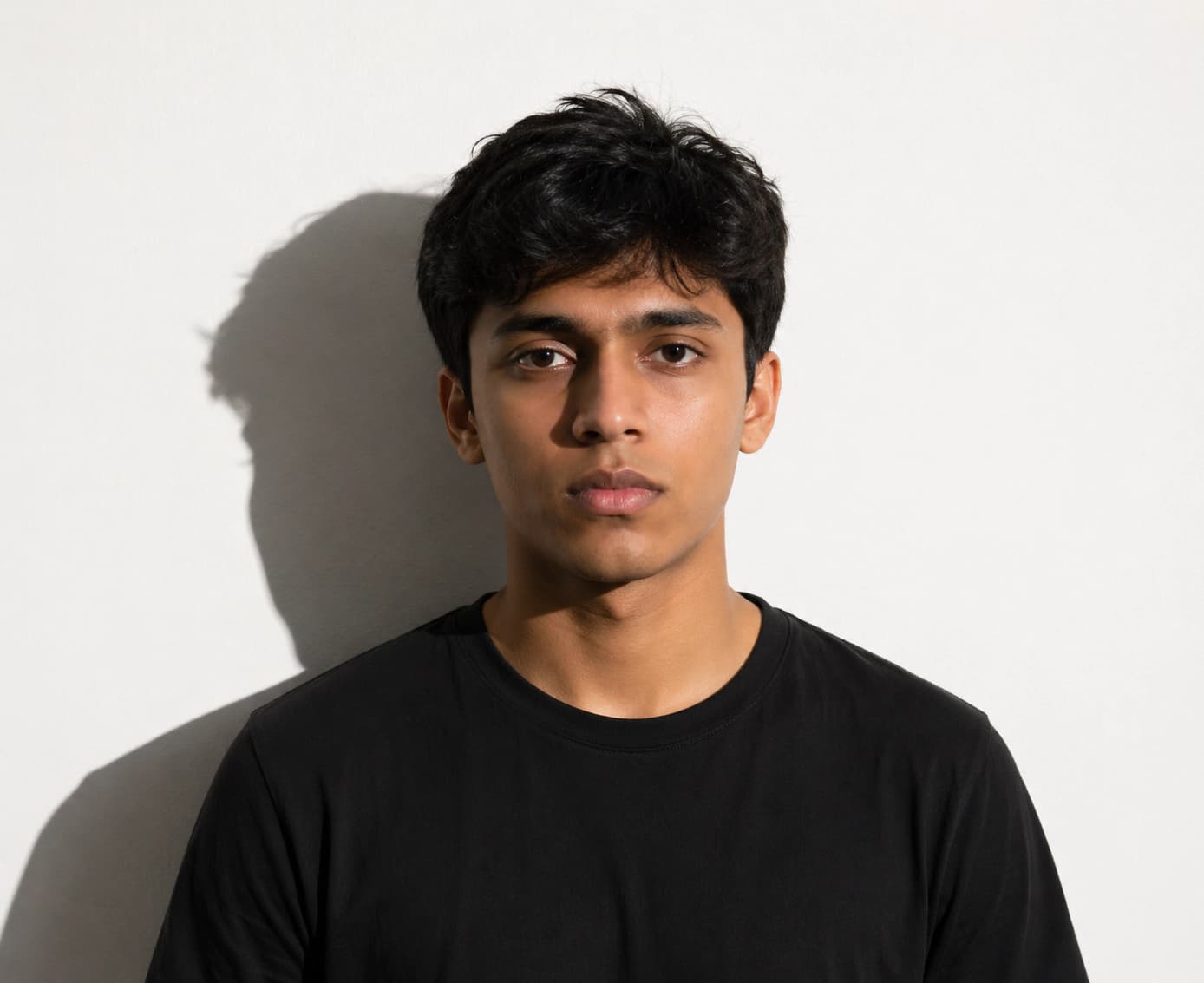
Illumination error
Retake in softer light or use the studio to detect background shadow, face shadow, and uneven exposure before exporting.
Step-by-step walkthrough for uploading your digital photo to the US CEAC DS-160 portal. Prepare your square JPEG, resolve upload prompts, and ensure compliance with US State Department guidelines.
Official 2026 digital specifications (600×600 px, 240 KB limit, pure white background) and automated biometric validator.
Use a recent color photo taken within the last 6 months.
Keep a plain white or off-white background with no shadows.
Face the camera directly with both eyes open and a neutral expression.
Keep the head between 50% and 69% of the image height.
Remove glasses unless a medical exception applies.
Retake in softer light or use the studio to detect background shadow, face shadow, and uneven exposure before exporting.
Export a square JPEG at 600 x 600 px or larger, then let the tool crop to the exact required frame.
Compress the JPEG after the crop is final. Do not compress first, because that can soften eyes and facial edges.
Use biometric crop guidance instead of manual zooming. The chin-to-crown height must stay inside the official range.
Use the highest-quality file from your phone or camera. Avoid screenshots, social media downloads, and heavily compressed messaging-app files.
Validate shadows, background color, face height, eye level, tilt, and eyewear before you compress the final JPEG.
Download a square JPEG under the DS-160 size limit, then upload it to CEAC. If CEAC still fails, keep a printed 2 x 2 inch copy for interview instructions.
Government photo rules commonly reject altered, filtered, or beautified images. Use the studio for compliance checks, crop, export, and background preparation only. Follow the official source for your final application route.
Automatic AI cropping, background replacement, and 22+ biometric compliance checks.
Official sizing, pixel dimensions, and upload instructions for global immigration systems.
Create a Diversity Visa lottery photo with the correct 600 x 600 px square format, JPEG compression, face placement, and background rules.
Schengen visa photo rules: common 35x45mm biometric format, ICAO standards, print quality & consulate-specific variations.
Canada visa & passport photo rules: printed dimensions, digital upload ranges, file size limits & photo specs.
India e-Visa & passport photo rules: 2x2 in JPEG uploads, file size limits, background rules & OCI specs.
Prepare a UK digital passport photo with plain background, balanced light, neutral expression, no filters, and practical checks before online submission.
Complete guide for Indian passport renewal in USA: 2x2 inch photo specs, VFS Global upload rules, file number lookup, CGI portal guidelines, and photo vs signature limits.
Official 2026 guidelines for OCI application photos and signature uploads. Covers 2x2 inch physical photos, 1:1 ratio 20-500 KB digital uploads, and 3:1 signature files.