Australia Passport Photo MakerReady for Official Submission.
Create official Australia passport photos in seconds. Get the exact 35 × 45 mm size, clean light gray background, and instant validation for your online application.
Checks based on official country rules
Photos are checked against official embassy rules. If rejected, we provide a full refund.
See How Your Photo Is Created
Our AI automatically checks and prepares your photo to meet Australia passport requirements.
Upload Photo
Snap a selfie or upload a portrait.
Snap a selfie or upload a portrait.
Automatic Checks
Face Detection & Centering
Finds your face and centers your eyes.
Background Clean & Color Fix
Removes shadows and sets a plain, solid background.
Head Size Check (32 – 36 mm)
Checks head height and centers your eye line.
Digital Size & File Prep
Exports a clear JPEG ready for upload or print.
Ready for Online Application
Upload straight to embassy forms with no crop errors.
Upload Photo
Snap a selfie or upload a portrait.
Auto Process
AI crops and clears the background.
Government Format
Checks size, lighting, and head ratio.
Secure & Private
Download your ready photo in 30 seconds.
Australia Passport Photo Specifications
Official photo dimensions and rules from published government guidelines.
Australia Official Photo Specifications
Australian Passports Act 2005 & Biometric Identity Verification Standards
Official government rule for application approvalAustralian Passport Office & Department of Home Affairs
Application context: Australia Passport Application
Australia Passport Photo Checklist at a Glance
- Photo Size:Exact 35 × 45 mm (827 × 1063 px at 600 DPI)
- Head Height:32 – 36 mm from chin to top of head
- Background:Plain solid light gray, no shadows
- Pose & Expression:Face straight forward, neutral look, eyes open
- Eyeglasses:Not allowed (remove before photo)
- Digital Format:High-res JPEG file (70 KB – 3.5 MB)
| Specification Parameter | Official Requirement | VisaReadyNow AI Action |
|---|---|---|
| Official Standard | Australian Passports Act 2005 & Biometric Identity Verification Standards | Matches official embassy rules |
| Photo Dimensions | 35 × 45 mm | Auto-crops to exact size |
| Digital Resolution | 827 × 1063 px at 600 DPI | High-quality 300 DPI JPEG for upload or print |
| Head Size (Chin to Crown) | 32 – 36 mm | Centers face within the frame |
| Background Color | Light Gray | Replaces background with clean solid color |
| Eyeglasses Policy | Strictly Prohibited | Checks for glare or frame reflections |
| Facial Expression | Neutral look, mouth closed, eyes open | Checks eye line and facial neutrality |
| File Size Limit | 70 KB – 3.5 MB | Optimized for fast online upload |
From Any Photo to Compliant
Our AI crops and adjusts your picture to pass official checks.
Original Photo
Not Compliant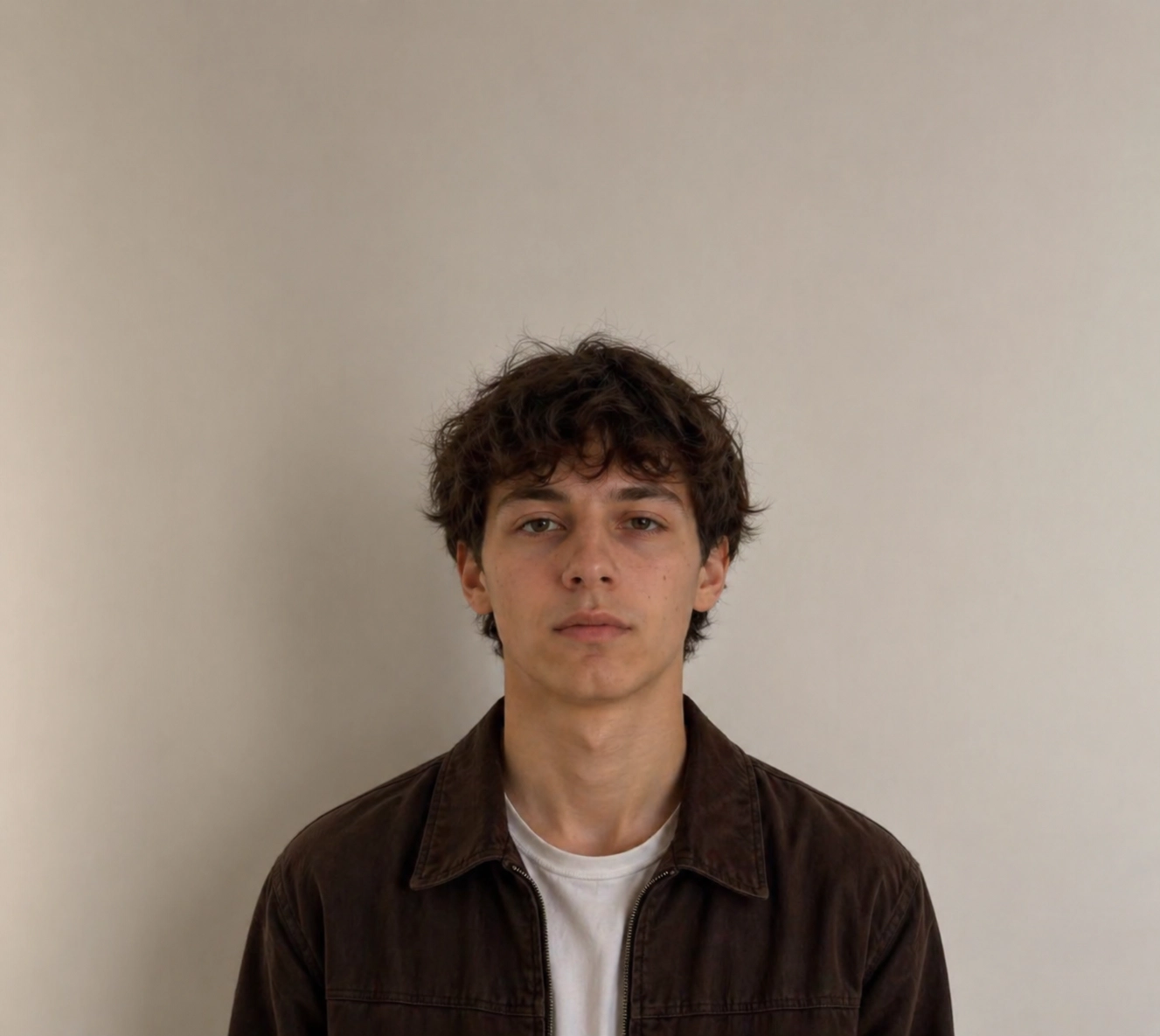
- ✕Background not plain
- ✕Shadow on background
- ✕Incorrect head size
- ✕Improper framing & position
- ✕Lighting not even
Australia Passport Photo
✓ Compliant Result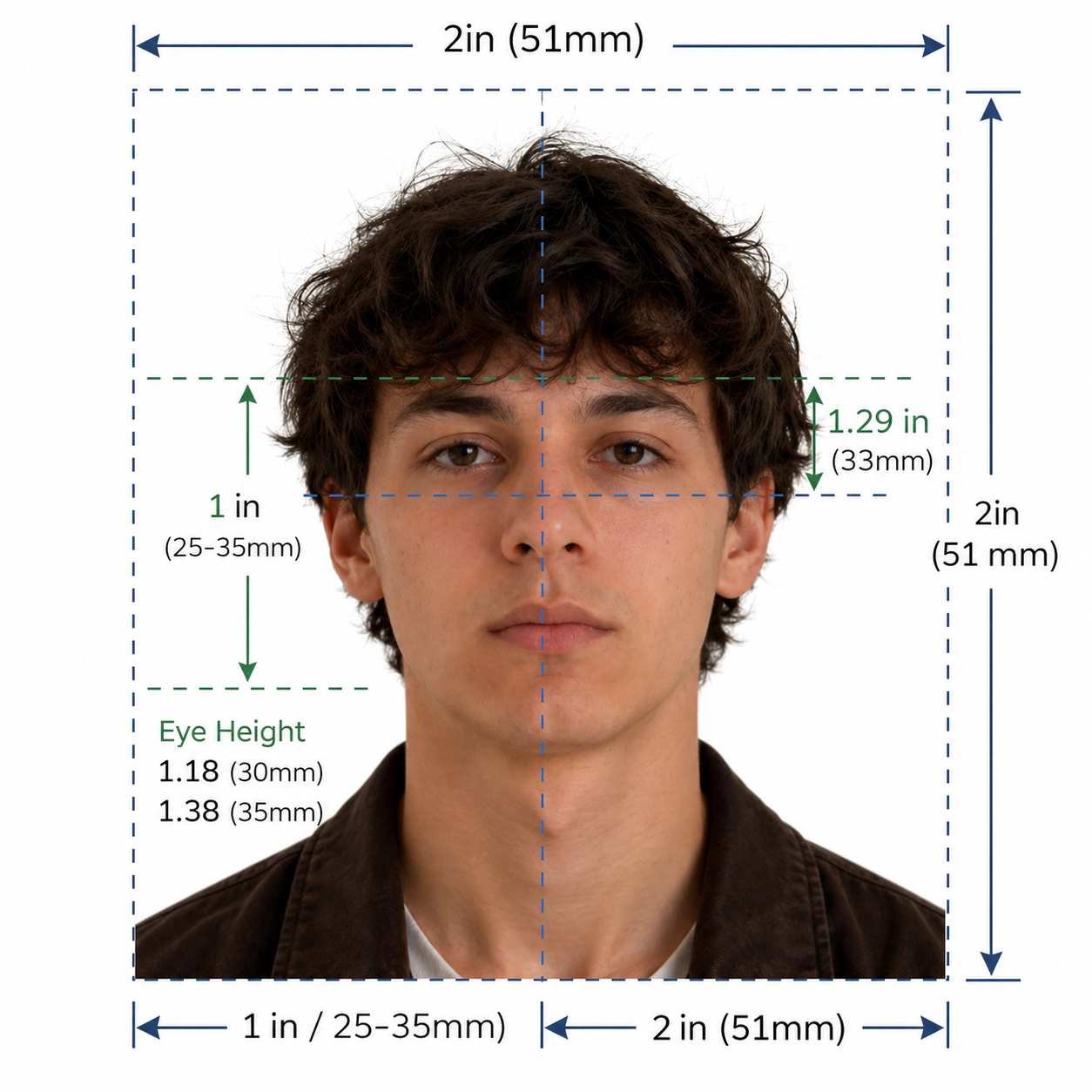
- ✓Plain light gray background
- ✓Correct head size & position
- ✓Proper framing (35 × 45 mm)
- ✓Even lighting, no shadows
- ✓Ready for online application upload
Official Format
Meets official Australia passport photo requirements.
Automatic Processing
Advanced AI technology for perfect results every time.
Secure & Private
Your photos are encrypted and automatically deleted.
Fast & Reliable
Get your compliant photo in under 30 seconds.
Why Choose VisaReadyNow
Get an approved photo on your first try.
Official Compliance
Photos follow official rules for each country.
Automatic Processing
AI crops, centers, and cleans your photo in seconds.
Secure & Private
Download your ready photo in 30 seconds.
Fast & Reliable
Get your finished photo in less than 30 seconds.
Full Refund Guarantee
If an embassy rejects your photo, we refund you in full.
190+ Countries & Territories
Exact sizes and rules for 190+ destinations.
Independent online tool
Built to match published embassy guidelines.
Used for All Applications
Works for tourist visas, business travel, and renewals.
Australia Adult Passport
Create official 35 × 45 mm photos for new passports or renewals.
Infant & Child Passport
Easily crop baby and child passport photos to 35 × 45 mm.
Emergency Travel Permit
Quick photo tool for emergency travel papers abroad.
Consular & Identity Card
Make valid photos for national ID cards and visas.
Common Reasons Photos Get Rejected
Most photos are rejected for simple errors. Our AI fixes them for you.
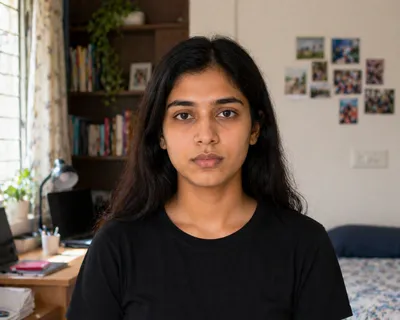
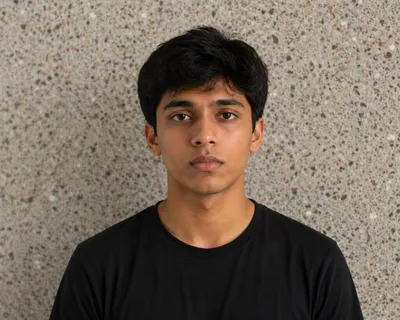
Wrong Background
Background has shadows, patterns, or wall marks.
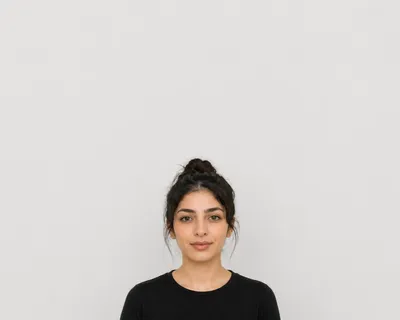
Face Too Small / Big
Head is too small or too close to the camera. (32 – 36 mm)
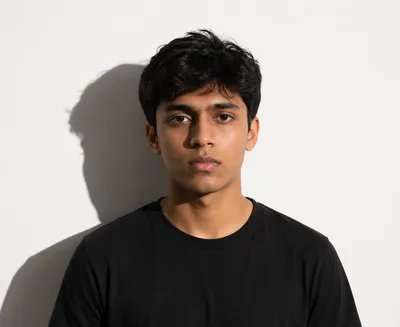
Poor Lighting
Harsh flash, dark shadows, or uneven light.
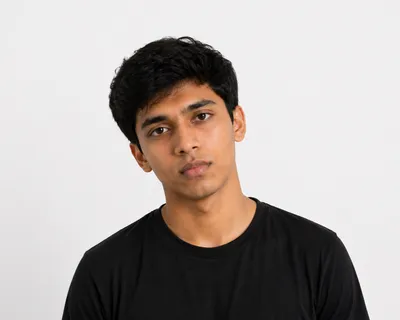
Incorrect Position
Tilted head or looking away from lens.
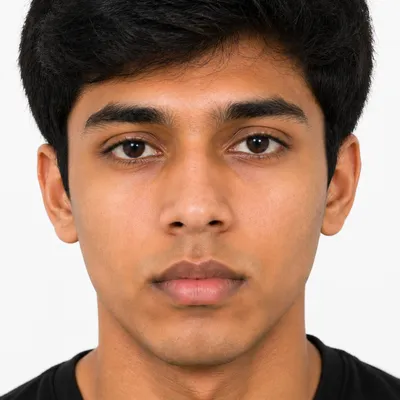
Wrong Crop / Size
Photo is cut too close or has the wrong size. (35 × 45 mm)
Low Quality
Photo is blurry, grainy, or low quality.
VisaReadyNow Fixes These Common Errors
We crop, center, and clean your photo so you can apply with confidence.
Frequently Asked Questions
Simple answers to top questions about creating photos online.
Q.Can I create a Australia passport photo online?
Yes. You can create an official Australia passport photo online in seconds. Upload any clear selfie or portrait. Our AI tool auto-crops your photo to 35 × 45 mm, centers your face to 32 – 36 mm, and sets a solid light gray background. Your photo will match all official rules.
Q.Can I use this photo for official online applications?
Yes. Our tool creates high-resolution JPEG files ready for official online upload. Each file matches the exact pixel size (827 × 1063 px), file limit (70 KB – 3.5 MB), and 600 DPI needed by embassy portals.
Q.Can I use a photo taken with my phone?
Yes. You can take a photo with any smartphone. Stand facing the light against a plain wall. Our tool will crop your face and clear the background for you.
Q.Does the tool automatically remove the background?
Yes. Our AI removes wall marks, shadows, and objects right away. It sets a clean, solid light gray background that meets Australia rules.
Q.Does the tool crop the photo automatically?
Yes. The tool detects your face and sets your head height to 32 – 36 mm. It crops the photo to the exact 35 × 45 mm size (827 × 1063 px at 600 DPI).
Q.What file format and resolution will I receive?
You will get a clear JPEG image at 600 DPI. It works for both digital uploads and standard 4x6 inch print templates.
Q.What is the official size for a Australia passport photo?
Australia requires photos sized at 35 × 45 mm. For online forms, this equals 827 × 1063 px at 600 DPI on a solid light gray background.
Q.What is the required face height?
Your face from chin to crown must measure between 32 – 36 mm. Your eyes must sit level in the top half of the photo.
Q.Can I wear glasses in a Australia passport photo?
No. Australia does not allow glasses in official photos. Remove them before taking your picture.
Q.What types of applications does this tool support?
It supports all major Australia applications: • Tourist and visitor visas • Business and work permits • Student visas • Passport renewals and child passports
Q.What if my Australia passport photo is rejected?
We guarantee our photos match published government rules. If the embassy rejects your photo, contact our support team for a free fix or a full refund.
Q.Is my uploaded photo secure and private?
Yes. Your photos are encrypted during upload and deleted from our servers right after processing. We never share or sell your photos.
Q.Is VisaReadyNow an official Australia government website?
No. VisaReadyNow is an independent tool that helps you prepare compliant photos. Official authorities make the final decision on your application.
High-Volume Passport & Visa Photo Makers
Make approved passport and visa photos for top global destinations.