Background texture
Use a smooth wall or backdrop. UK photo checks can reject visible patterns, objects, or textured surfaces.
Prepare una foto digital de pasaporte del Reino Unido con fondo liso, luz equilibrada, expresión neutral y verificaciones previas a la carga.
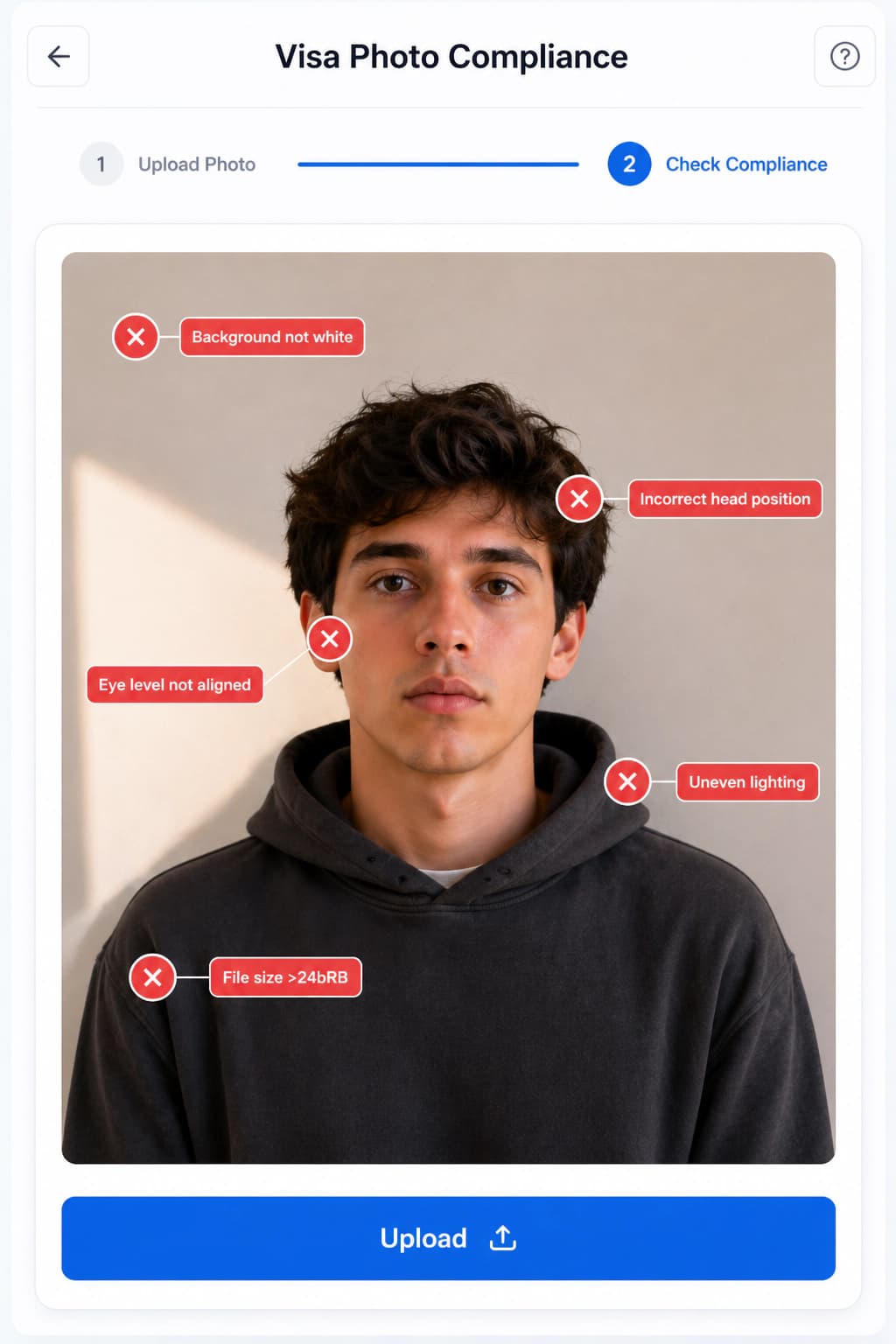
Use a plain light-colored background without texture or pattern.
Use balanced light with no shadows on the face or background.
Look directly at the camera with a plain expression and mouth closed.
Do not apply filters, beautification, red-eye changes, or face correction.
For children, follow the official age-specific exceptions.
Use a smooth wall or backdrop. UK photo checks can reject visible patterns, objects, or textured surfaces.
Ask another person to take the photo from about 1.5 meters away so the face is not distorted.
Do not use face correction, smoothing, or filters. Use validation for checks rather than changing your facial features.
Stand away from the wall and face natural window light for a softer, more even result.
Use a plain, light-colored background with no visible texture, object, or shadow.
The UK guidance recommends standing away from the background and having another person take the photo.
Validate face visibility, expression, lighting, background, and image clarity before you submit online.
Las reglas oficiales rechazan imágenes retocadas o con filtros. Utilice el estudio solo para comprobaciones, recorte y preparación del fondo.
Recorte instantáneo, eliminación de fondo y más de 22 comprobaciones biométricas.
Instrucciones detalladas de tamaño y subida para trámites oficiales de inmigración.
Step-by-step walkthrough for uploading your digital photo to the US CEAC DS-160 portal. Prepare your square JPEG, resolve upload prompts, and ensure compliance with US State Department guidelines.
Create a Diversity Visa lottery photo with the correct 600 x 600 px square format, JPEG compression, face placement, and background rules.
Schengen visa photo rules: common 35x45mm biometric format, ICAO standards, print quality & consulate-specific variations.
Canada visa & passport photo rules: printed dimensions, digital upload ranges, file size limits & photo specs.
India e-Visa & passport photo rules: 2x2 in JPEG uploads, file size limits, background rules & OCI specs.
Complete guide for Indian passport renewal in USA: 2x2 inch photo specs, VFS Global upload rules, file number lookup, CGI portal guidelines, and photo vs signature limits.
Official 2026 guidelines for OCI application photos and signature uploads. Covers 2x2 inch physical photos, 1:1 ratio 20-500 KB digital uploads, and 3:1 signature files.