Using passport specs for TRV
Canada passport, TRV, PR, and PR card routes can use different dimensions and upload rules. Choose the exact application route first.
Règles photo pour visa et passeport canadien : dimensions imprimées, plages de téléchargement numérique, limites de taille et spécifications.
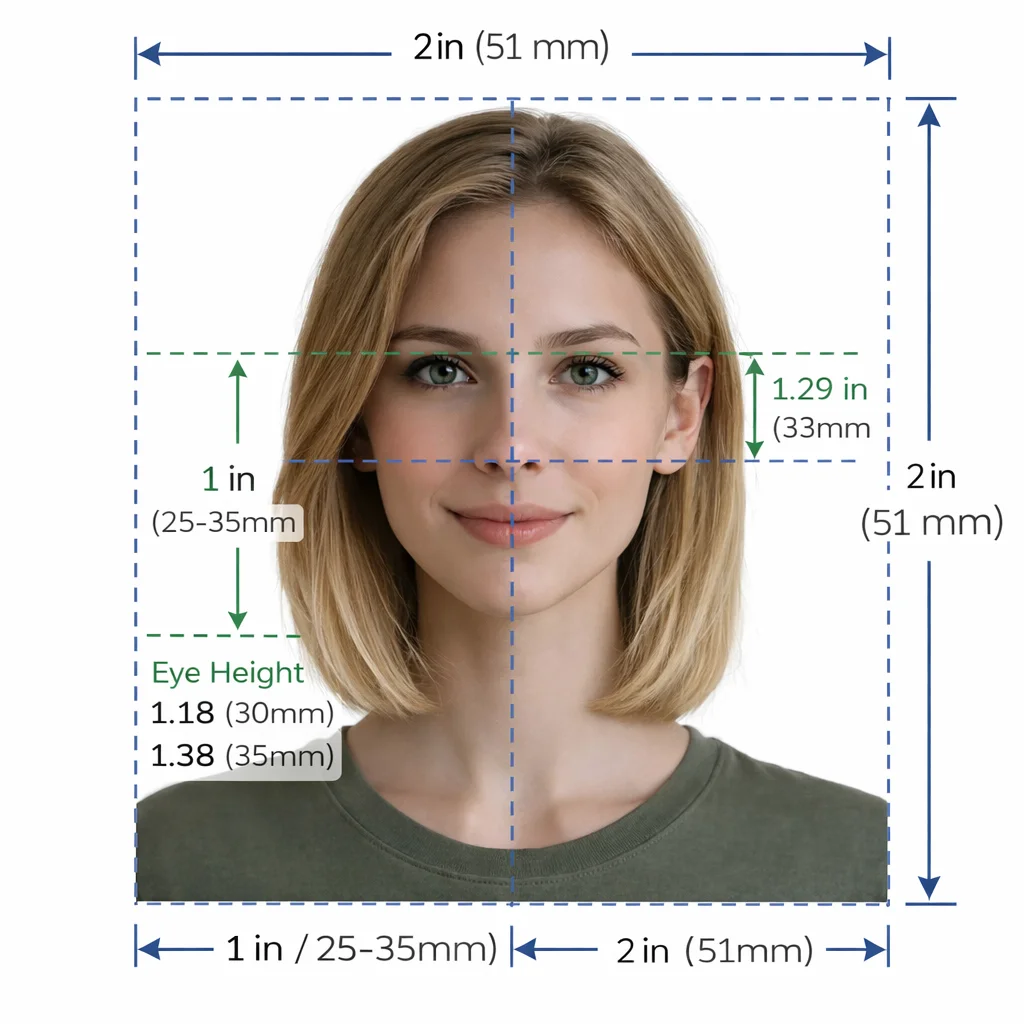
Official Canadian visa (35×45 mm) and passport (50×70 mm) specifications with AI compliance verification.
Check whether your application route requires a commercial photographer.
Use a neutral expression with mouth closed and eyes clearly visible.
Keep a plain white or light-colored background with no shadows.
Do not alter the face or use filters.
Keep photographer or studio details when IRCC asks for back-of-photo information.
Canada passport, TRV, PR, and PR card routes can use different dimensions and upload rules. Choose the exact application route first.
Some IRCC workflows ask for the photographer or studio name, address, date, or receipt. Keep that documentation with your upload.
Wear a darker top so the shoulders and jawline stay visible against the background.
Retake with even light and clear contrast, then validate before resubmission.
Temporary resident visa, permanent residence, PR card, and passport applications do not all use the same photo instructions.
Check size, background, lighting, neutral expression, and file limits before you submit to the IRCC portal.
If your application asks for studio details or back-of-photo information, upload that evidence with the photo as instructed.
Les règles officielles rejettent les images retouchées ou filtrées. Utilisez le studio pour les contrôles de conformité, le recadrage et le fond uniquement.
Recadrage instantané, suppression de fond et 22+ vérifications de conformité biométrique.
Instructions détaillées de dimensionnement et de téléchargement pour les démarches d'immigration.
Step-by-step walkthrough for uploading your digital photo to the US CEAC DS-160 portal. Prepare your square JPEG, resolve upload prompts, and ensure compliance with US State Department guidelines.
Create a Diversity Visa lottery photo with the correct 600 x 600 px square format, JPEG compression, face placement, and background rules.
Schengen visa photo rules: common 35x45mm biometric format, ICAO standards, print quality & consulate-specific variations.
India e-Visa & passport photo rules: 2x2 in JPEG uploads, file size limits, background rules & OCI specs.
Prepare a UK digital passport photo with plain background, balanced light, neutral expression, no filters, and practical checks before online submission.
Complete guide for Indian passport renewal in USA: 2x2 inch photo specs, VFS Global upload rules, file number lookup, CGI portal guidelines, and photo vs signature limits.
Official 2026 guidelines for OCI application photos and signature uploads. Covers 2x2 inch physical photos, 1:1 ratio 20-500 KB digital uploads, and 3:1 signature files.