Using a US 2 x 2 inch photo
Schengen applications usually expect the narrower 35 x 45 mm European format, not the US square format.
Schengen visa photo rules: common 35x45mm biometric format, ICAO standards, print quality & consulate-specific variations.
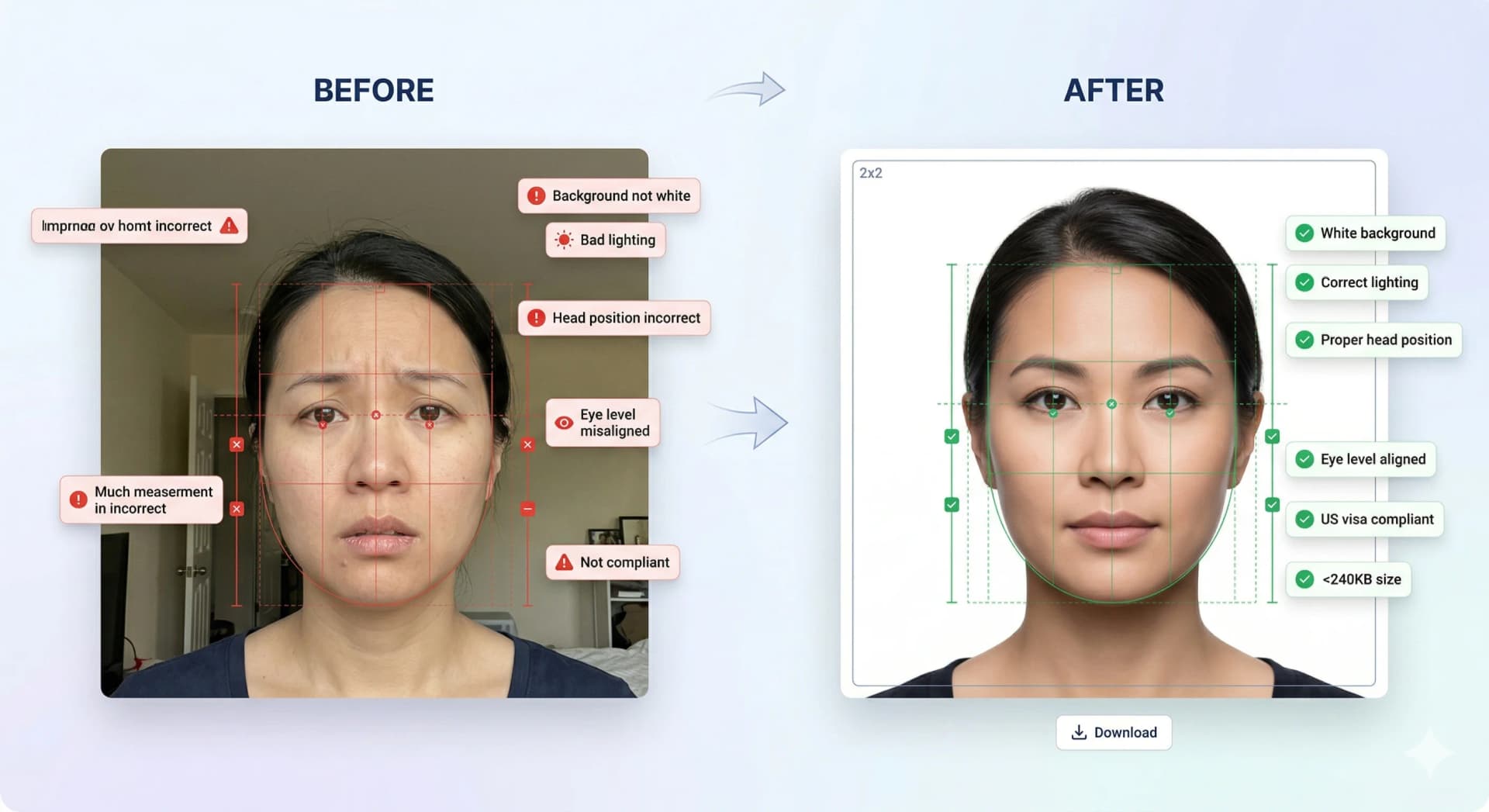
Instant 35×45 mm European biometric photo generator with compliant light-grey / white background.
Check the consulate or visa center for your main destination country before printing.
Use a recent biometric portrait with a neutral expression.
Keep the face centered, eyes open, and shoulders visible.
Avoid shadows, texture, low contrast, and visible retouching.
Bring the number of printed photos requested by your specific consulate or visa center.
Schengen applications usually expect the narrower 35 x 45 mm European format, not the US square format.
Use the Schengen baseline, then confirm the checklist from the country where you are applying.
European biometric photos usually place the head larger in the frame than US visa photos.
Export at high resolution and print without fit-to-page scaling or color shifts.
Schengen rules share a common biometric foundation, but the final checklist comes from the consulate or visa center handling your application.
Use a front-facing, neutral, shadow-free photo and export a print-ready file at the exact dimensions.
Most applications ask for recent passport-style photographs, but the required quantity can vary. Follow your appointment checklist.
Government photo rules commonly reject altered, filtered, or beautified images. Use the studio for compliance checks, crop, export, and background preparation only. Follow the official source for your final application route.
Automatic AI cropping, background replacement, and 22+ biometric compliance checks.
Official sizing, pixel dimensions, and upload instructions for global immigration systems.
Step-by-step walkthrough for uploading your digital photo to the US CEAC DS-160 portal. Prepare your square JPEG, resolve upload prompts, and ensure compliance with US State Department guidelines.
Create a Diversity Visa lottery photo with the correct 600 x 600 px square format, JPEG compression, face placement, and background rules.
Canada visa & passport photo rules: printed dimensions, digital upload ranges, file size limits & photo specs.
India e-Visa & passport photo rules: 2x2 in JPEG uploads, file size limits, background rules & OCI specs.
Prepare a UK digital passport photo with plain background, balanced light, neutral expression, no filters, and practical checks before online submission.
Complete guide for Indian passport renewal in USA: 2x2 inch photo specs, VFS Global upload rules, file number lookup, CGI portal guidelines, and photo vs signature limits.
Official 2026 guidelines for OCI application photos and signature uploads. Covers 2x2 inch physical photos, 1:1 ratio 20-500 KB digital uploads, and 3:1 signature files.