Uploading a non-square photo aspect ratio
Use a 1:1 aspect ratio crop so that width and height are exactly equal before uploading to ociservices.gov.in.
OCI 申请照片和签名上传的官方指南:包含 2x2 英寸实体照片、1:1 比例 20-500 KB 数字上传和 3:1 签名文件。
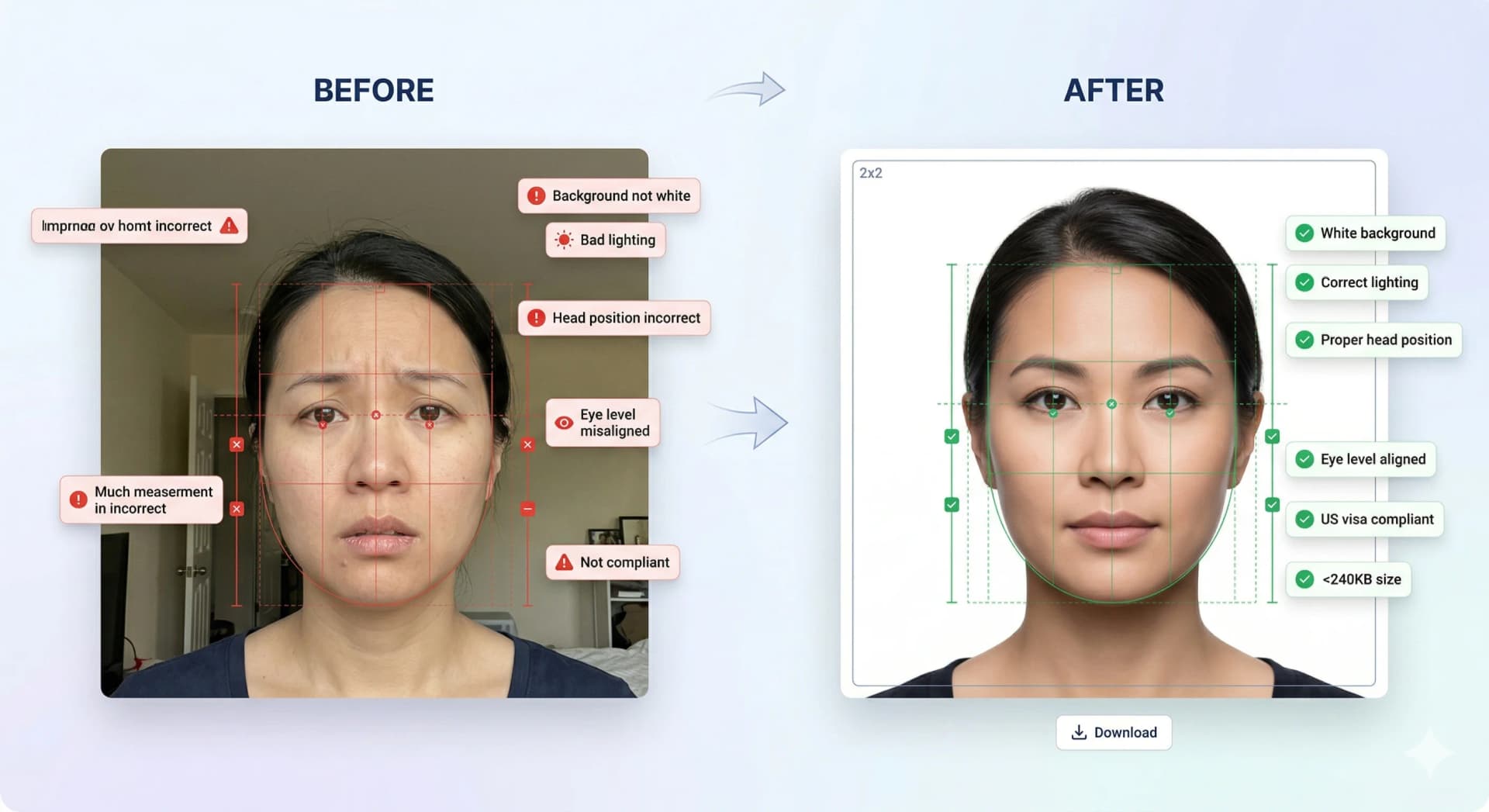
Official 2026 specifications (2x2 inch physical, 1:1 digital ratio, 20-500 KB JPEG, and 3:1 signature files) with instant compliance verification.
Background must be plain, solid white with zero shadows or patterns.
Face height from bottom of chin to crown of head must occupy 70% to 80% of the image.
Eyeglasses are strictly prohibited—remove all glasses prior to photography.
Head coverage is allowed only for religious purposes and must not cast facial shadows.
Both ears and full forehead should be visible whenever possible.
Use a 1:1 aspect ratio crop so that width and height are exactly equal before uploading to ociservices.gov.in.
Compress the JPG image to stay between 20 KB and 500 KB while keeping dimensions at or above 600 x 600 pixels.
Crop the signature to a 3:1 width-to-height rectangle (e.g. 600 px wide by 200 px high) under 200 KB.
Stand in bright, uniform lighting against a flat white wall to avoid shadows behind the head or on the face.
Ensure equal width and height with face measuring 70-80% of total height.
Sign on clean white paper with a black pen, crop to a 3:1 ratio under 200 KB.
官方照片规则严禁修改、美颜或滤镜照片。仅使用工作室进行合规性检测、裁切及背景处理。
智能裁切、背景替换与22项以上生物识别合规检测。
全球主要移民与签证申请系统的照片尺寸标准与上传详细规范。
Step-by-step walkthrough for uploading your digital photo to the US CEAC DS-160 portal. Prepare your square JPEG, resolve upload prompts, and ensure compliance with US State Department guidelines.
Create a Diversity Visa lottery photo with the correct 600 x 600 px square format, JPEG compression, face placement, and background rules.
Schengen visa photo rules: common 35x45mm biometric format, ICAO standards, print quality & consulate-specific variations.
Canada visa & passport photo rules: printed dimensions, digital upload ranges, file size limits & photo specs.
India e-Visa & passport photo rules: 2x2 in JPEG uploads, file size limits, background rules & OCI specs.
Prepare a UK digital passport photo with plain background, balanced light, neutral expression, no filters, and practical checks before online submission.
Complete guide for Indian passport renewal in USA: 2x2 inch photo specs, VFS Global upload rules, file number lookup, CGI portal guidelines, and photo vs signature limits.